Page 3
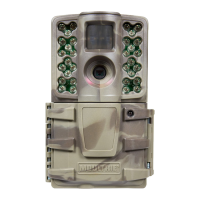
M-990i (Gen2) Digital Game Camera
MENU MAP
Page 18
M-990i (Gen2) Digital Game Camera
Motion Detect Time Lapse
RESET OPTIONS?: DO NOT RESET TIME LAPSE INTERVAL: 10 SECONDS
DETECTION DELAY: 10 SECONDS TIME LAPSE PROGAMS/DAY: 2 PROGRAM
PIR SENSITIVITY: HIGH T.L. PROGRAM #1 START TIME: 6 AM
MULTI-SHOT: 1 (OFF) T.L. PROGRAM #1 STOP TIME: 9 AM
PHOTO OR VIDEO: PHOTO T.L. PROGRAM #2 START TIME: 4 PM
T.L. PROGRAM #2 STOP TIME: 7 PM
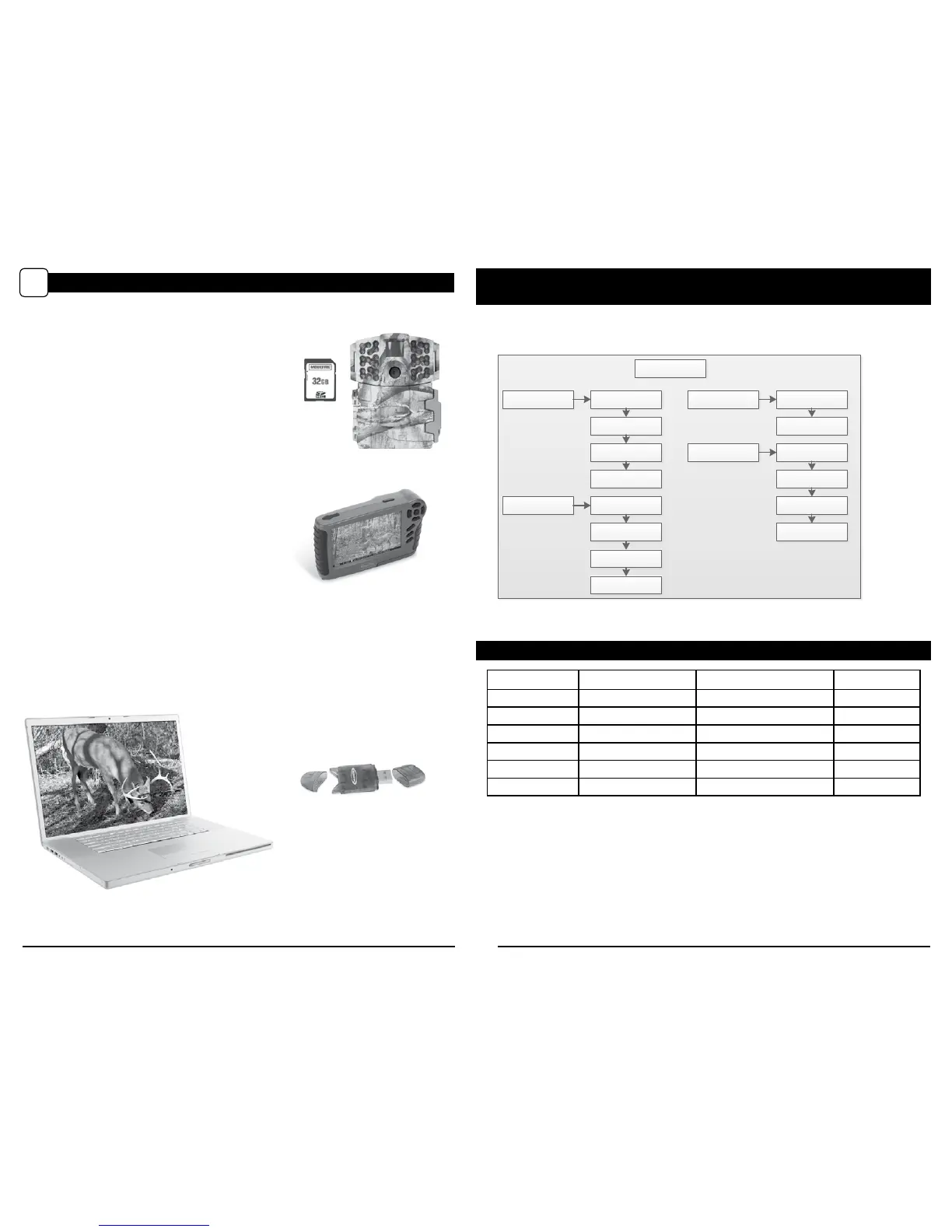
There are a number of ways for you download and view
the pictures, videos in the eld or at another location.
Removing the SD Card
To remove the SD Memory Card, open the camera cover
and push gently on the SD card and it will pop out slightly
allowing you to remove it. Load the SD card into the
player or card reader to view or move stored images to
another location.
Important
Make sure that the camera is in the OFF position before
removing SD card.
ln the Field
You can download the pictures, videos, and time lapse
pictures with the aid of external devices. To download,
use an external player or card reader that is
supported by 12V DC or Mini USB Jack.
At Home
Remove the entire camera and transport to another location to download images. To connect the
camera to a PC computer, turn the camera ON, press the MENU button once to change to SETUP
Mode. Connect the USB cord (not included) between the USB out port and the PC computer. The
computer will recognize the camera as a removable drive. The unit works with Windows XP/Vista/7 or
Mac OS X 10.1 or higher. Copy the images and videos from the camera onto your PC for further
editing or printing. When the USB cable is disconnected, the camera will go back to SETUP mode.
VIEWING YOUR IMAGES OFF THE CAMERA
N
See the full line of Moultrie camera accessories at www.moultriefeeders.com


 To Next Page