b
DIGITAL LCD FULL DOT MATRIX
TOUCH-SCREEN MULTI-FUNCTION MODELS
Includes Movado BOLD Touch 2 models
Date Setting
1. Touch “DATE” to enter Date-Setting Mode.
2. Swipe up or down then tap to select MONTH.
3. Swipe right; swipe up or down and tap to select
DATE.
4. Swipe right again, swipe up or down and tap to
select YEAR.
5. Swipe left twice to return to Settings list.
City Setting
1. Touch “CITY” to access Time-Zone Setting Mode.
2. Tap to select “CITY”; then swipe up or down list and
tap to select name of CITY in your Time Zone; swipe
left to return to prior screen.
3. Tap to select “DST”, then tap to turn Daylight Savings
Time “ON” or “OFF”.
4. Swipe left again to return to Settings list.
Unit
1. Touch “UNIT” to access Distance Measurement Screen.
2. Tap “MS” to select kilometers, or “BS” to select miles.
3. Swipe left to return to Settings list.
Display
1. Touch “DISPLAY” to set active Display Time.
2. Tap “5 SECS”, “10 SECS” or “15 SECS” to set the
duration of time that the screen remains unlocked
when not touched.
3. Swipe left to return to Settings list.
Sound Activation
1. Touch “SOUNDS” to access Sound Activation Screen.
2. Tap “ON” or “OFF”; when “ON” is chosen, sound
is enabled.
3. Swipe left to return to Settings list.
NOTE: Sound must be “ON” (enabled in Settings) for
Timer alarm to be heard.
Backlight Activation
1. Touch “BACKLIGHT” to access Backlight Activation
Screen.
2. Tap “ON” or “OFF”; when “ON” is chosen, EL
Backlight will illuminate for two seconds each time
the display is unlocked.
3. Swipe left to return to Settings list.
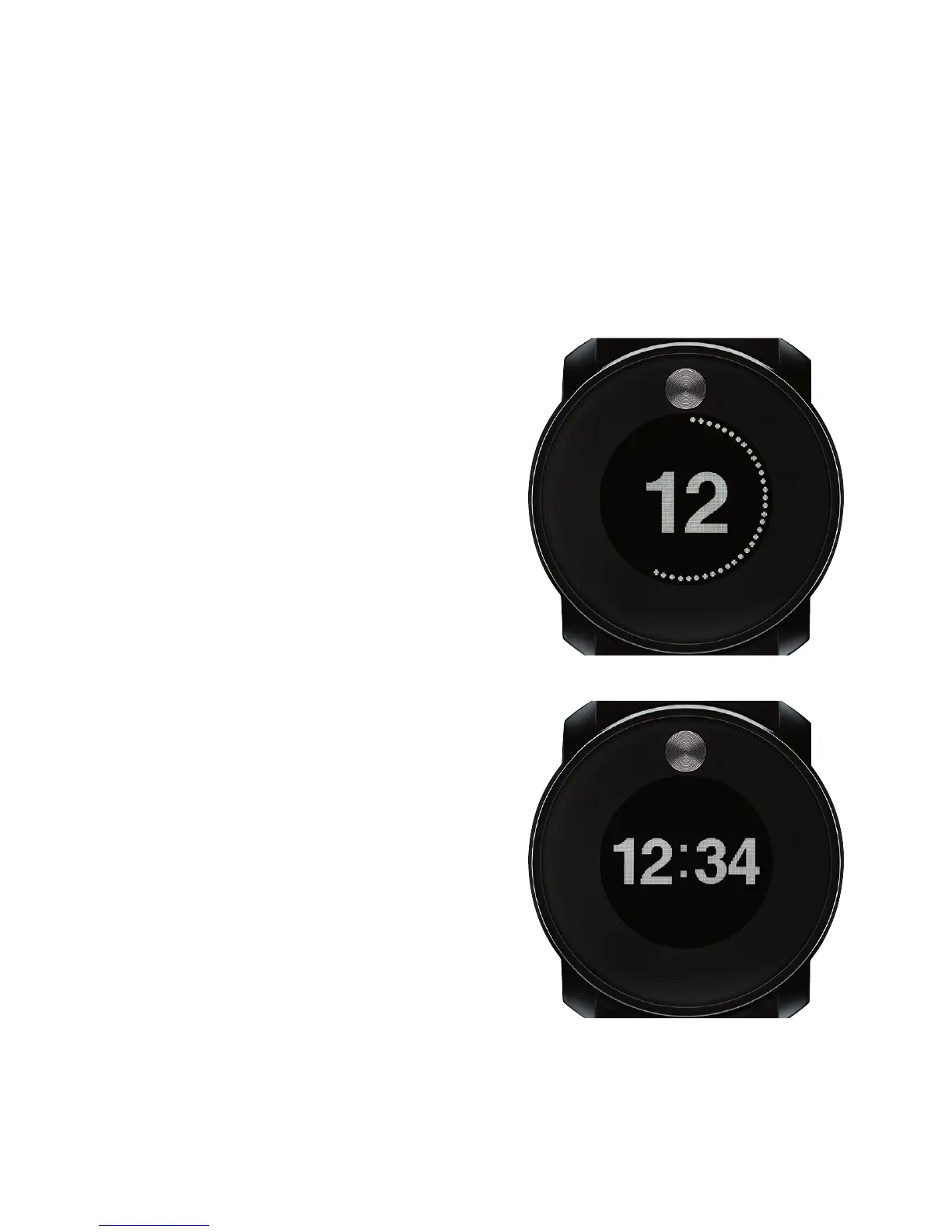
Home Screen Display Options
TIME FORMAT 1
TIME FORMAT 2


 To Next Page