12
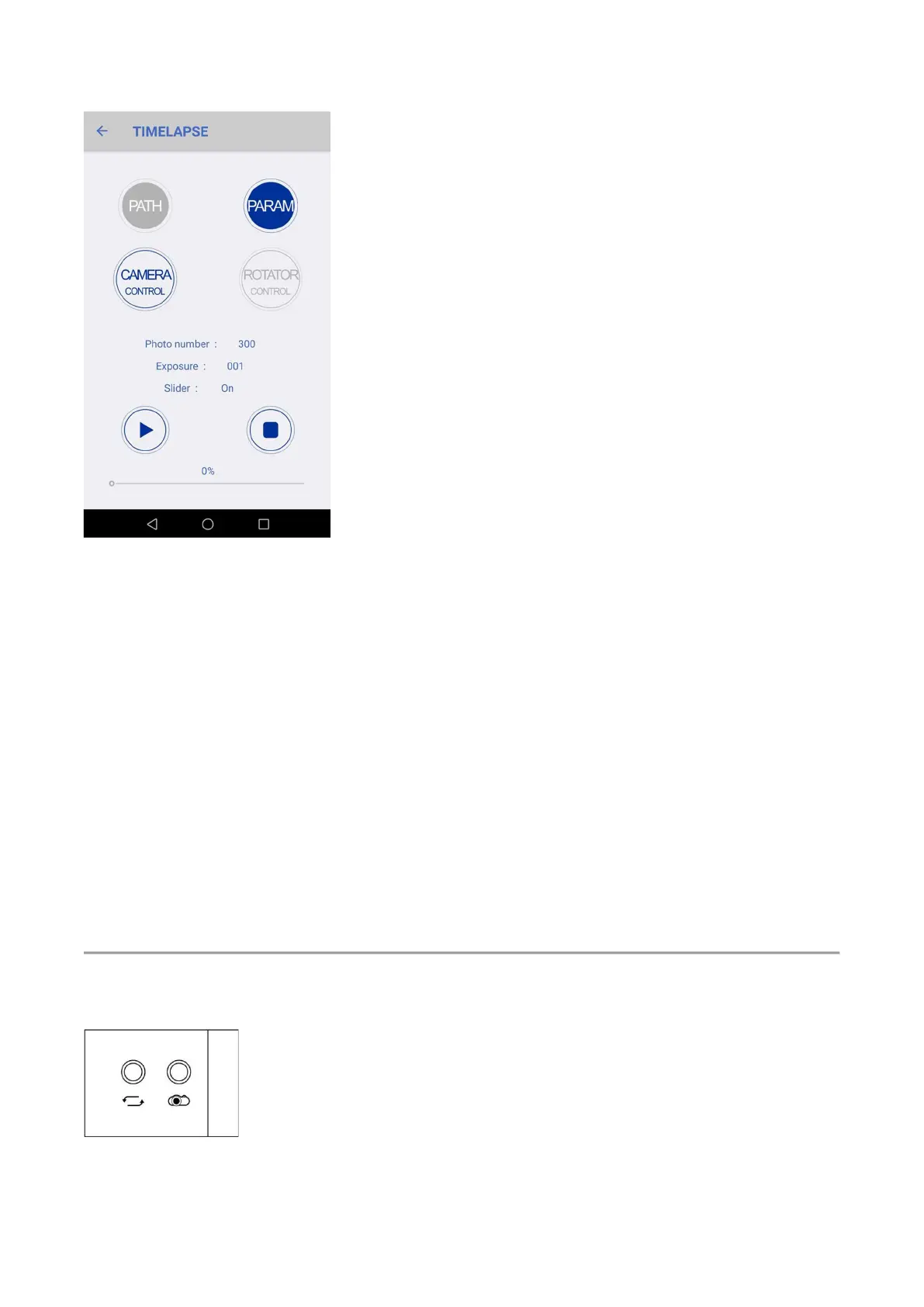
● The ‘Camera controls’ mode, the interval time will be determined by the camera, and the
rotator passively follows the camera instruction.
● Photo number, Total photos you want the camera to shoot from the start position to the
ending position.
● Exposure, Tell rotator what’s your camera’s exposure time. Better tell it longer than your
camera’s actual exposure time to make sure that the rotator rotates only after your camera
has done the shooting. (Nikon, Canon, Sony cameras can leave it blank)
● Slider, Temporarily not working, will support in the future.
10. Click “Start” to start.
You can click “Stop” to stop current shooting, then click “Start” to continue shooting from the
current position; if you want to re-shoot from the start position , first go back to “Path” and then
click “Park” to back to the start position and then “Start” to shoot. )
2.2 Rotator Trigger Camera
1. Install your camera as 2.1.
2. Connect the camera shutter port to the rotator’s camera port (port with the camera icon).
3. Power on the Rotator.
4. Camera setting:


 To Next Page