9
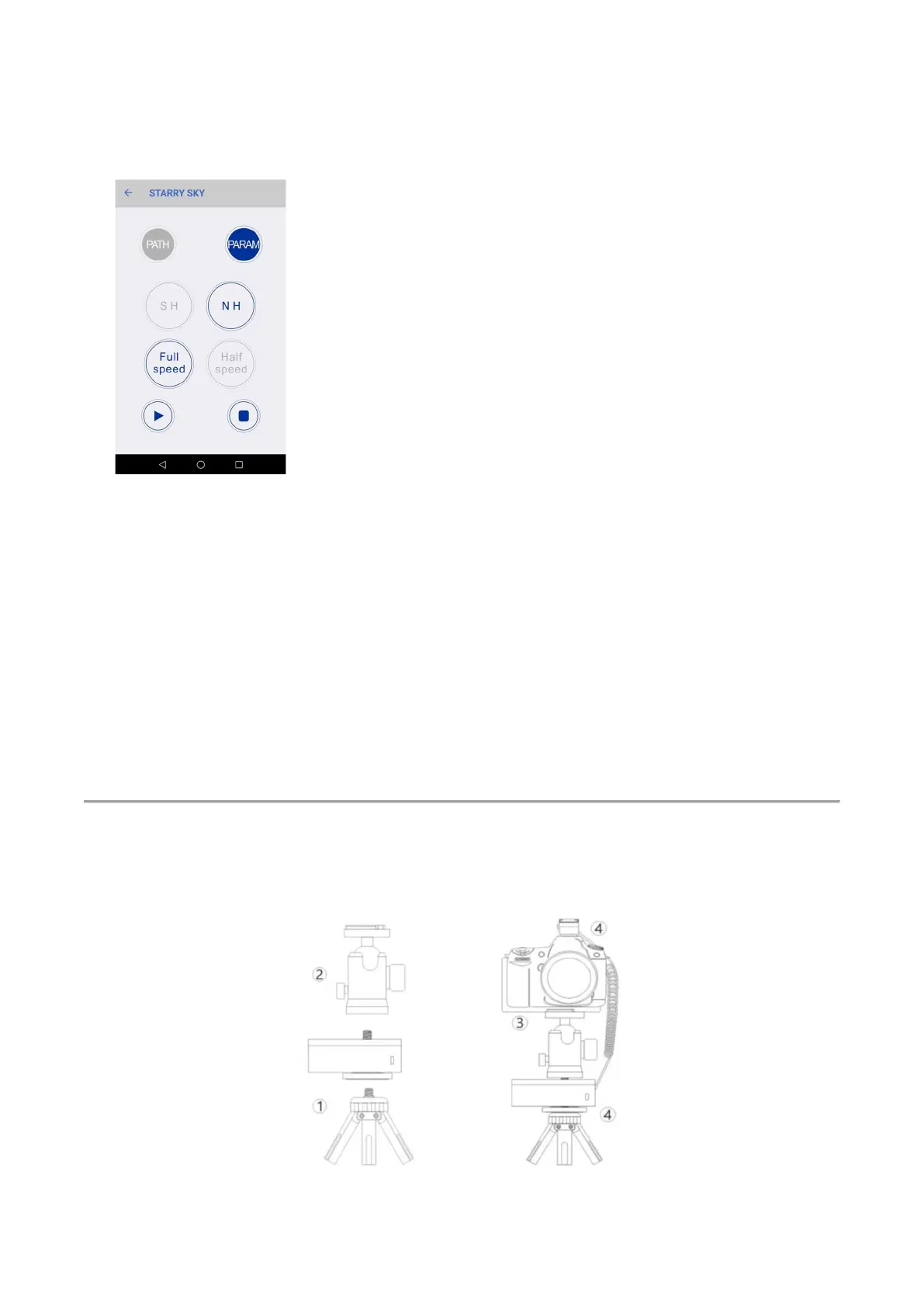
9. Enter“PARAM” to choose the hemisphere of your shooting location.
Then choose the speed you needed.
● Full-speed is the standard star speed.
If you want to take Milky way photos with foreground, you need to take 2 photos, one
power on the rotator for the star, one power off the rotator for the foreground. This way all
two photos are perfect with no trails.
● Half-speed is 1/2 of the star speed. This is suitable to take Milky way photos with the
foreground in one shot, this way the star trail and the foreground object just have little trails.
10. Click “Start” to make the Rotator working.
Section 2: Time-lapse Mode
2.1 Camera triggers the Rotator


 To Next Page