13
● Turn off the autofocus
● Turn off the reflector pre-up.
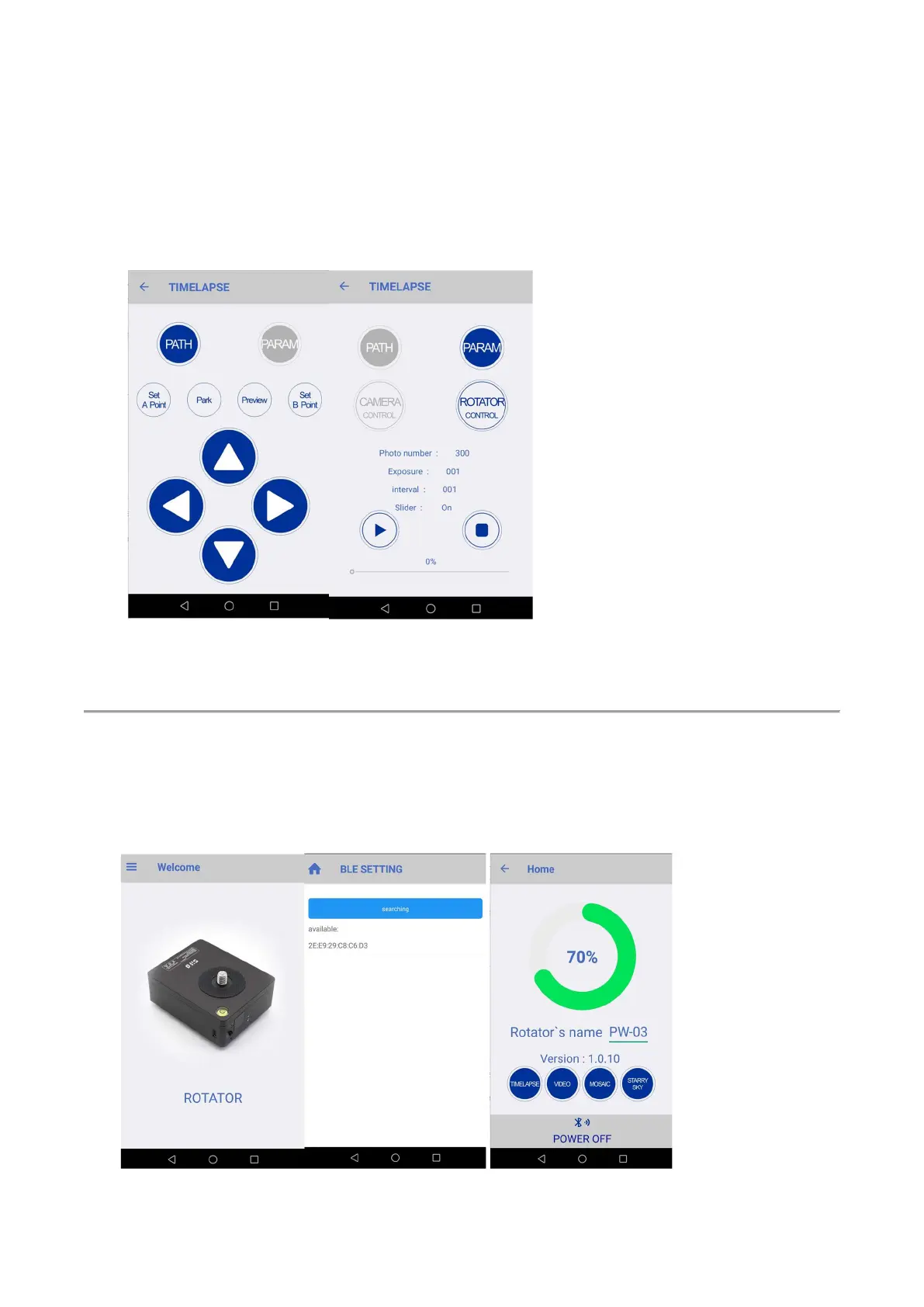
5. Turn on your phone’s Bluetooth, connect rotator with SiFo app, Mode, Param setup.
6. Set the parameters
● Choose ‘Rotator Control’
● Set "number of shots", "shutter time", "interval time", "slide tracking", the system
automatically calculates the angle of each rotation
7. Click “Start” to start shooting.
Section 3, Video Capture
1. The installation method is the same as “Time Lapse”.
2. There is no need to do any cable connection.
3. Power on the rotator.
4. Set your camera to shoot video.
5. Connect the App with your rotator, same as "Time Lapse" part.
6. Set mode to VIDEO


 To Next Page