Remote Key Fob (ATTO SPORT)
ATTO SPORT comes with a pair of remote key
fobs that enable remote locking and unlocking of
the scooter. The scooter is also turned on using the
remote’s Unlock button.
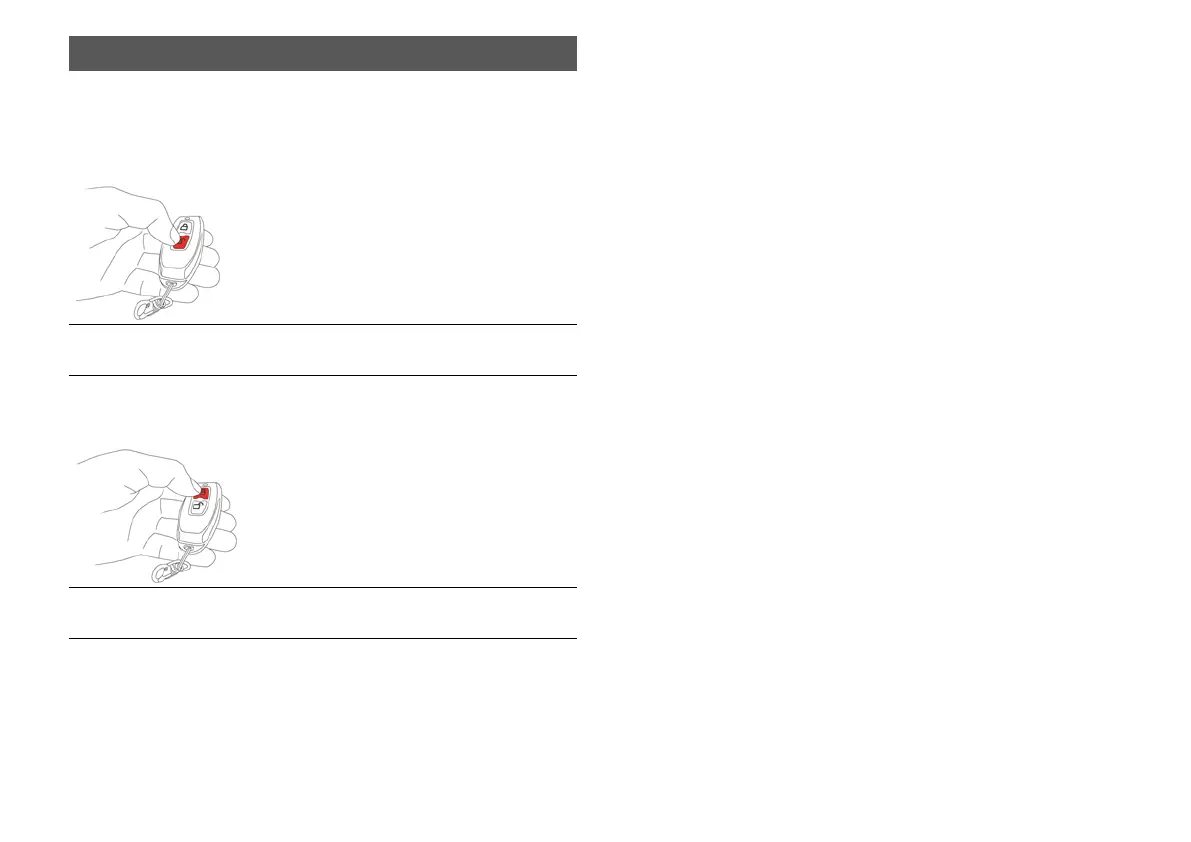
Figure 62 ATTO SPORT & ATTO SPORT MAX Unlock
button
To lock the scooter, click the Lock button while the
scooter is on.
Figure 63 ATTO SPORT & ATTO SPORT MAX Lock
button
Once the scooter is locked using the remote, it
can only be activated using the remote and
cannot be turned on using the scooter’s
onboard ON/OFF button.
Pairing the Remote Key Fob (* Required only
when a new fob has been provided to replace one
of the two originals, or in cases of a replaced
scooter controller.)
1. Turn off the scooter.
2. Press the ON/OFF button and the “+”
button at the same time to enter the menu
screen.
3. Switch through the menu screens using the
Power button and click “+” once you reach
the pairing screen.
4. When the “Pair” option flashes on the
screen, click any button on the remote until
the flashing stops.
5. Restart the scooter.
6. Your new key fob is paired with the scooter
and ready for use.



 To Next Page