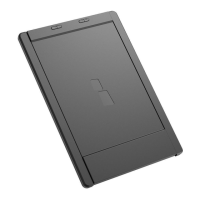
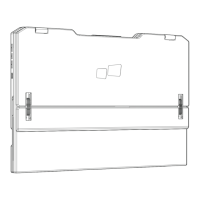
User’s Manual
01
Mobilepixels.us
What is in the box
Take out the monitor from the packaging
and place it on a stable and level
workspace.
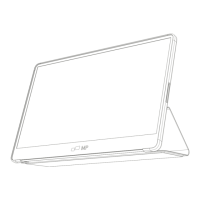
Open or close the base. The viewing
angle of the monitor can be adjusted
using the stand. (As shown below,
adjustable angle 0 ~ 180)
Adjustable angle 0 ~ 180
1.
2.
Monitor
Mini HDMI Cable
USB-C data cable
USB-C power cable
Quick start guide
Charger


 To Next Page