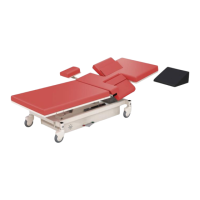
UltraScan™ Table
Page 30 of 36 14512-L
DCR-00335
Troubleshooting Guide
A “Troubleshooting Guide” is included to instruct you in the event of a
malfunction. If you are experiencing any of the following symptoms, this guide
may help you quickly solve the problem. If, after consulting this guide, you are
still unable to operate your table please contact Medical Positioning at 1-800-
593-3246. Please have the following information ready when you call:
1. Model Number or Name of Product
2. Date Received
3. Condition When Received
4. Symptom (or problem) Encountered & Result of Troubleshooting
Procedure
Complaint Reporting Procedure
In the event of a product malfunction or patient injury, please immediately report
the incident to:
1. __________________________________________________________
(The distributor from whom the product was purchased)
2. Medical Positioning, Inc
1146 Booth Street
Kansas City, KS 66103
www.MedicalPositioning, Inc.
011-816-474-1555
800-593-3246 (ECHO)


 To Next Page