How to connect/disconnect the
device with/from the computer
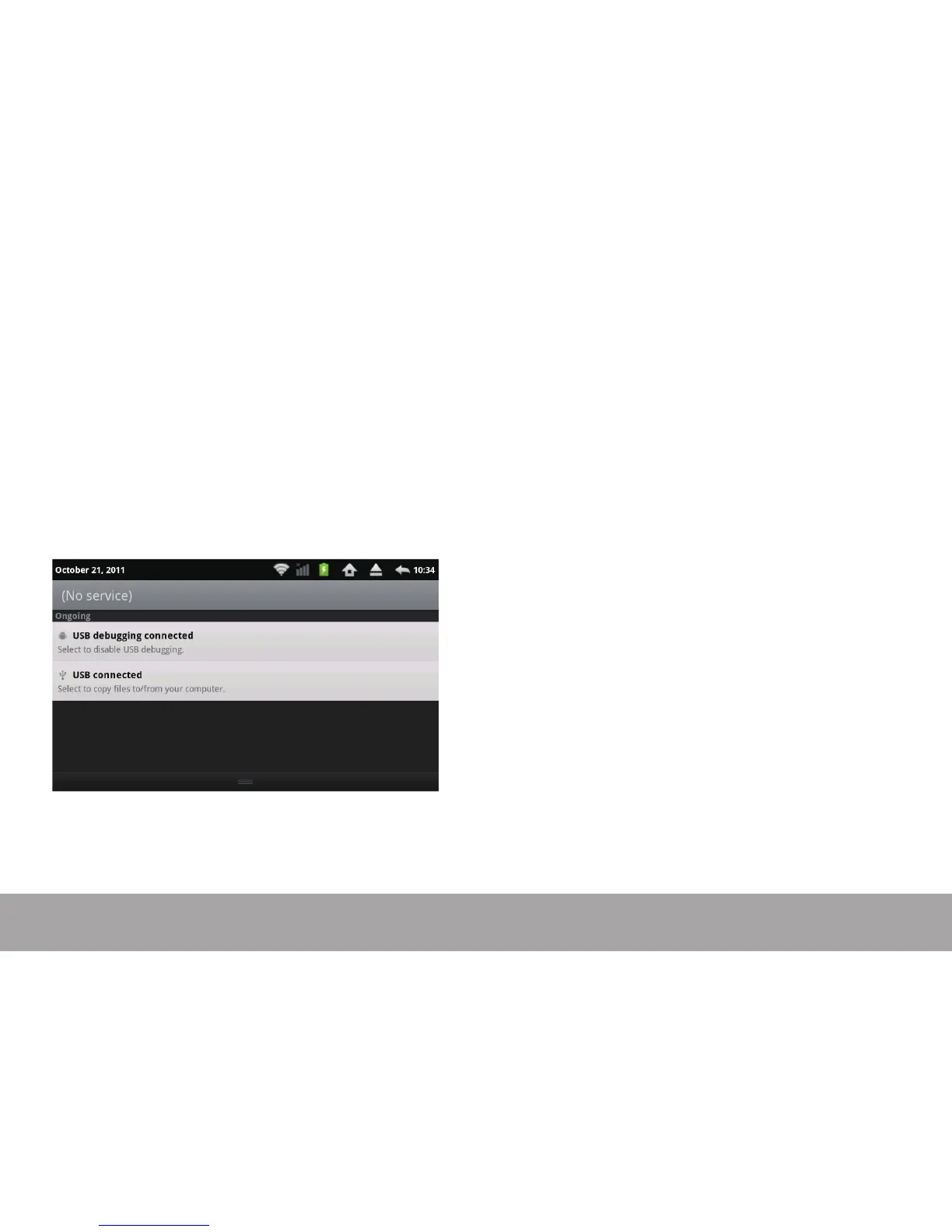
On main desktop, connect the device with the PC, pull down the status bar on the top of desktop
Press “USB connected”, select “Turn on USB storage”.
The device is recognized at Explorer of the computer.
Now you can use it as an external storage.
After nishing your work,
Press “Turn o USB storage” to unmount it.
Page 13



 To Next Page