Charging
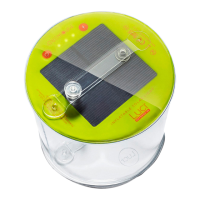
Charge via solar
• With solar panel side up, place in direct
sunlight for up to 24 hours for a full charge.
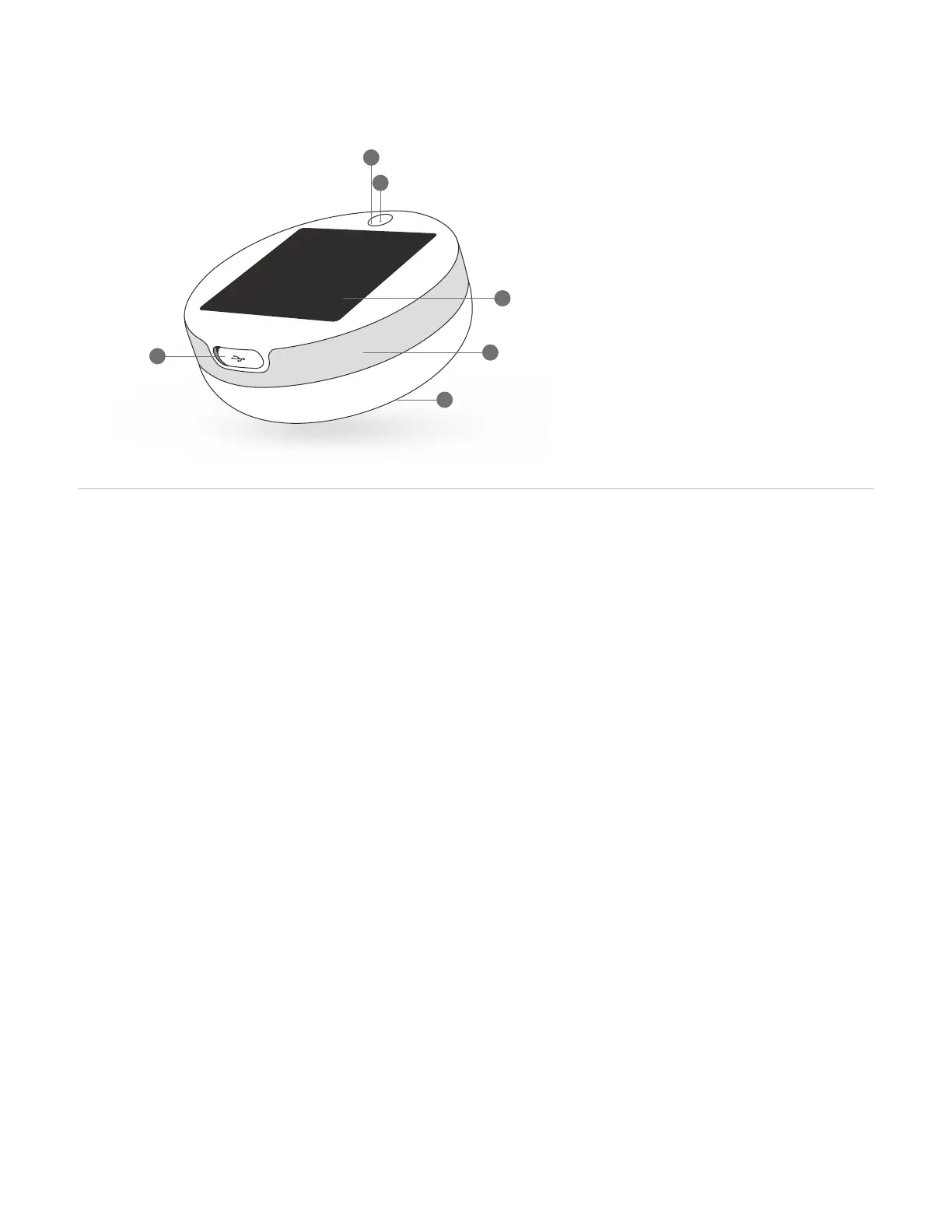
• Check battery level indicator light at any
time to check battery level. See illustration
above for more info.
Charge via USB
• Insert the USB cord provided into the USB
port on the base panel, and then insert the
other end into a USB outlet for 5-6 hours.
• Ensure the cord is firmly in position and
check that the Battery Level Indicator light
is on - this means it's charging.
Charging devices
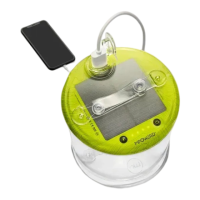
• To charge your device from the light,
simply insert your charging cable at the
USB-A end into the USB port on the light,
and then plug the other end of the cable
into your device. Power up!
Shine
• Press power button to turn unit on and
activate Bluetooth® pairing.
• 1 click to activate, 2 for white, 3 for red, 4 for
blue, 5 for green, 6 for orange, 7 to turn off, or
hold for 2 seconds at any time to turn off.
Listen
• To connect the speaker via Bluetooth, you
will need to go to your Bluetooth settings
on your device and select Luci Explore.
From there you can play music through your
preferred streaming service.
• Volume is controlled via your mobile device.
Rise
• To set up a circadian rhythm alarm, simply
open the app and, from the home-screen,
scroll over to "Wake-up".
• Select your wake-up time, duration, sound,
snooze, and save!
How to use
1
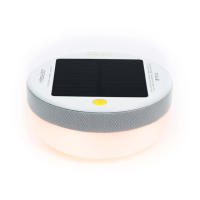
Getting to know Luci
Power button
Battery level indicator
• Green = 56-100%
• Yellow = 11-55%
• Red = 0-10%
Solar panel
Built-in USB port
Speaker fabric
Matte top plate
1.
2.
3.
4.
5.
6.
1
2
3
5
6
4


 To Next Page