Servicing
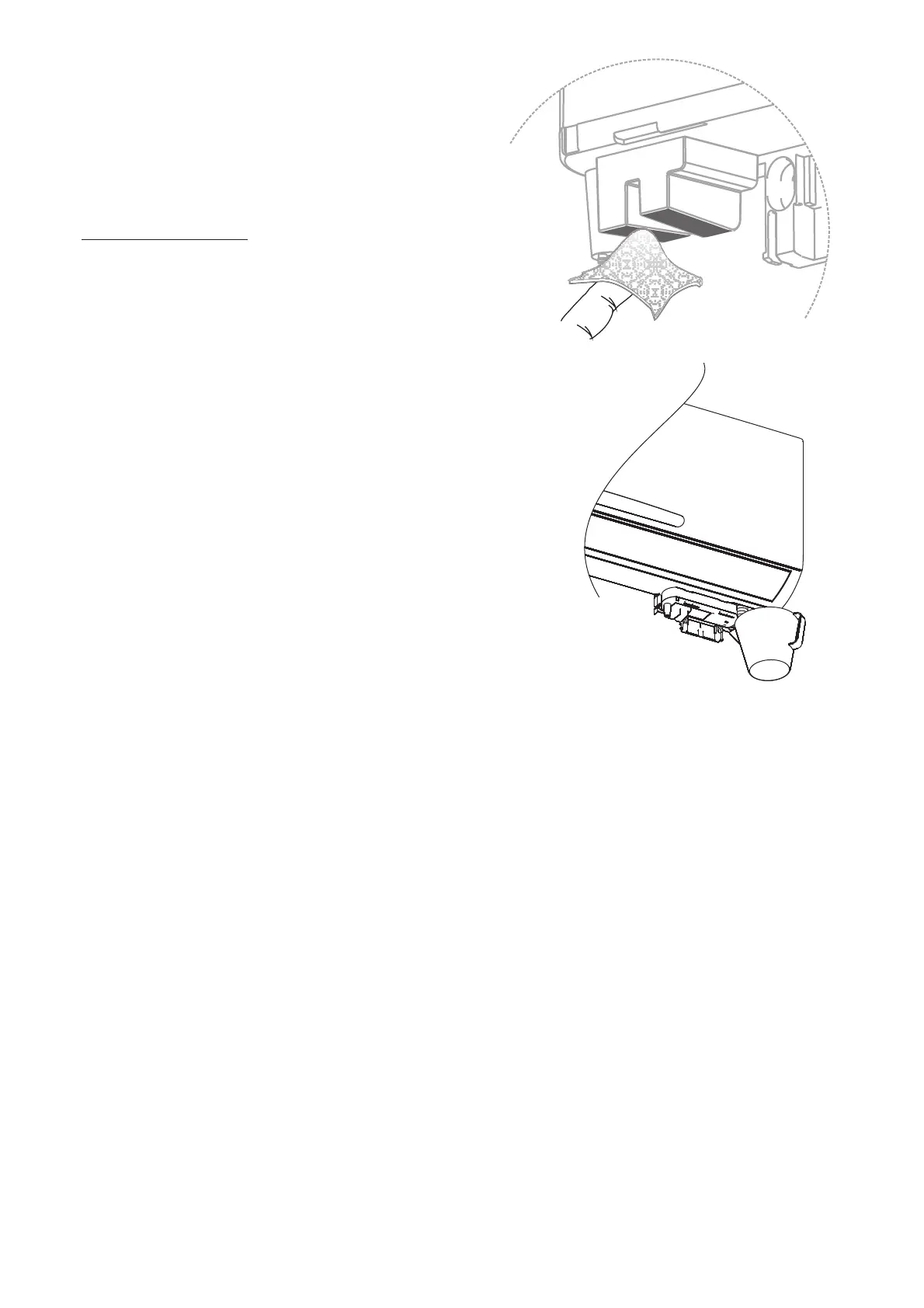
Evaporator Cleaning
Washandcleanthefilterandcollectiontraywithananti-
bacterialcleanerthenflushwithcleanwater.Wipe
sensorsgentlywithasoftcloth.
Donotallowcleaningchemicalstobecollectedand
pumpedbythe Astro.Duringcleaning,removethe
collectiontrayandcollectwasteinaseparatevessel.
beforere-fittingthecollection
tray.
FittheCover
Flush with clean water
Trouble Shooting.
Not Pumping
Pump runs all the time.
Checkfuseandelectricalsupply.
Checkwaterisreachingsensor.
Isthepumpwarm? Thethermalcut-outmayhave
activated.Itwillresetautomaticallywhencooleddown.
Checkthevoltageandfrequencyofthepowersupply.
Checkforslimeanddebrisbuildup.Seeservicing.
Inspectthesensors.Ifdamagedinanywaythepumpwill
needreplacing.
Checkthevoltageandfrequencyofpowersupply. The
pumpmustnotbeconnectedtotheoutputofinverter
supplies.
Checktheairhandlerandpumparelevel.
Checkdrainhoseentryintothecollectiontray.
Checkthedischargetubeconnection
Checkthea/csystemrefrigerantchargeisgood.Icingup
ofevaporatorscancauseexcessivevolumesofwater
duringdefrosts.
Leaking
CONTACT DETAILS



 To Next Page