Clean Your
Mr.
Coffee Before Using the First Time
if the clock display on the Accei programmable timer model (model
PRX20)
is flashing, the coffeemaker will not operate until the clock is
set See page 6 to set the clock.
Make sure your first cup of coffee is as good as can be by cleaning your
Mr. Coffee coffeemaker before its first use. Just follow these simple steps:
1. Wash the decanter, lid and removable black filter basket in a mixture of
mild detergent and water. Rinse each thoroughly. (Please refer to the
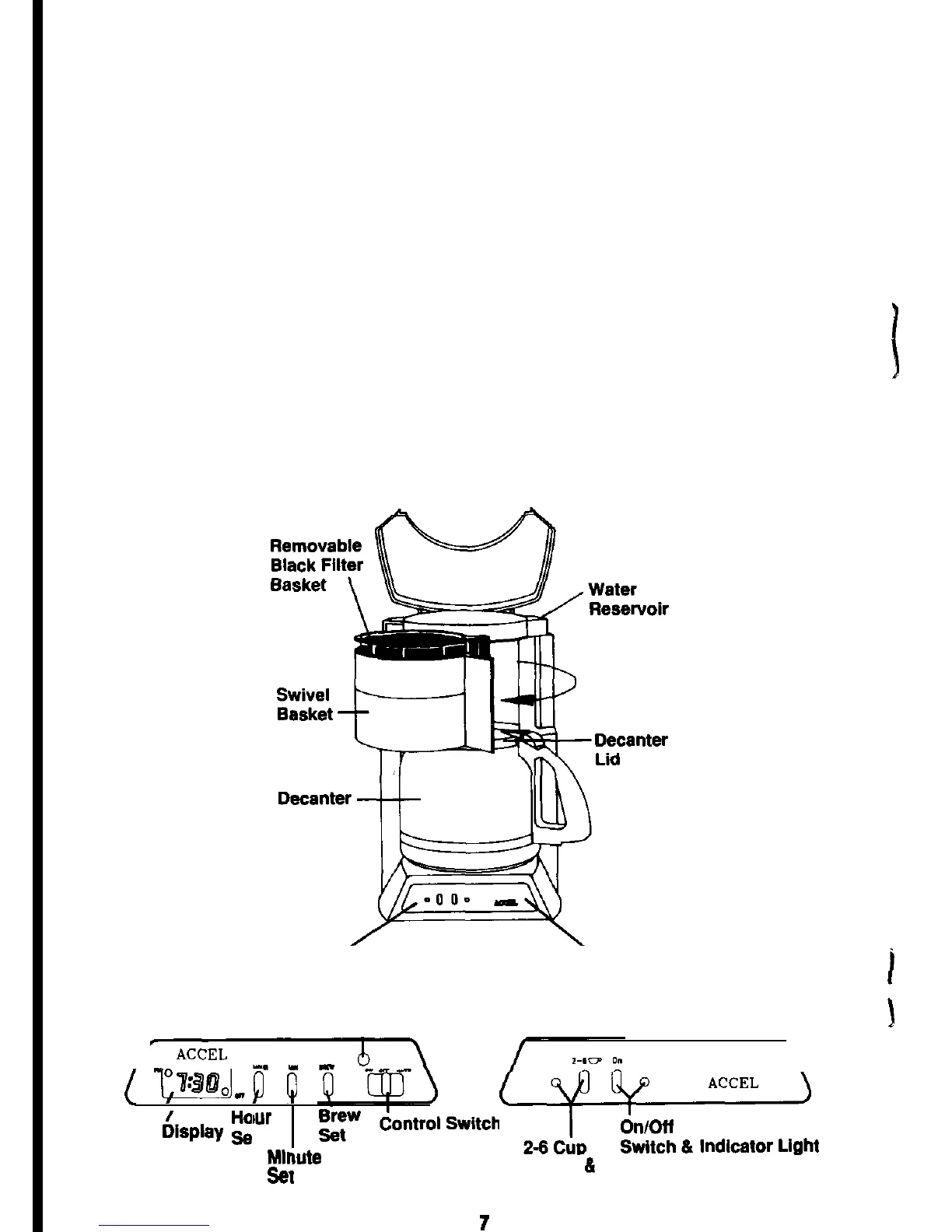
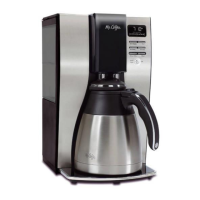
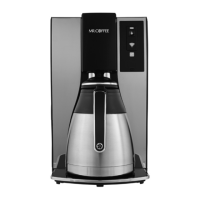
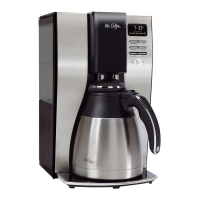
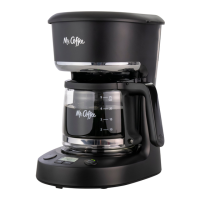
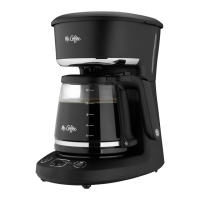
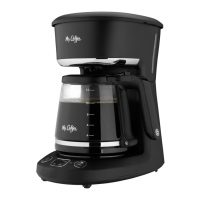
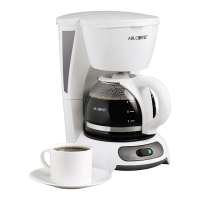
diagram of parts listed below)
2. Replace the black filter basket and close. Then, follow steps #4 through
#6 in the “BREWING COFFEE” section to clean the inside of your cof-
feemaker.
3. When the
brew
cycle is finished, turn your coffeemaker off. Discard the
water in the decanter and rinse the decanter, lid and black basket.
Your coffeemaker is now ready to use.
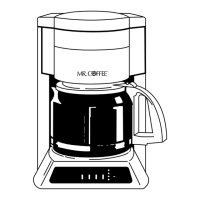
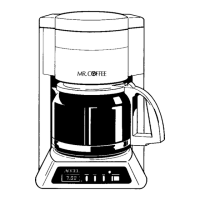
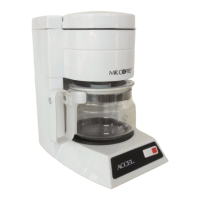
Diagram of Parts
Model
PRX20
Control
Panel
Model
PR12A Control Panel
On/Off
Indicator Light
(
w,p
Q
bur
Clock
&lay
g
t
MIT
--.
lute
-
se1
-f%k-Ezt
2-6 cup
Switch 6
Indicator Light





 To Next Page