Need help?
Do you have a question about the MRV Communications LX-8000 Series and is the answer not in the manual?
Contact information for technical assistance and support.
Lists other manuals available in the LX documentation set for detailed information.
Explains guide conventions and details key hardware specifications for the LX-8000 Series.
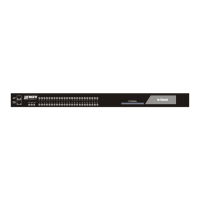
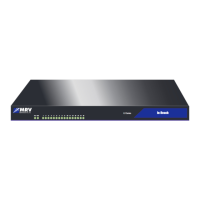
Guide to installing the LX-8000 Series Communications server and lists included items.
Explains front/rear panel indicators, LEDs, and environmental/mounting considerations.
Covers powering on, POST tests, login procedures, and password management.
Instructions on how to reset the LX-8000 unit using the reset button.
Outlines the methods for initial unit configuration, including quick setup.
Procedures for assigning IP addresses via network or CLI.
Instructions on how to access and use the unit's graphical interface via a web browser.
Guide for remote connections via Telnet/SSH and an overview of the CLI command structure.
Details using ports for temperature/humidity sensors and managing power strips (IR-5150, IR-4800).
Explains how LX ports function as alarm inputs and control outputs.
Comprehensive technical specifications for the LX-8000 Series and its sensors.
Lists the default settings for the unit and ppciboot configuration.
Provides definitions and samples for Power On Self Test (POST) error codes.
Covers cabling considerations, connectors, adapters, and wiring schemes for various connections.
 General
| Brand | MRV Communications |
|---|---|
| Model | LX-8000 Series |
| Category | Server |
| Language | English |

 To Next Page