2-3
Hardware Setup
Central Processing Unit: CPU
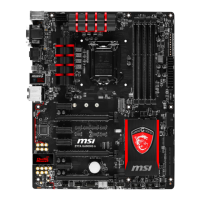
The mainboard supports Intel
®
Pentium
®
4 Celeron, Northwood processor in the
478 pin package. The mainboard uses a CPU socket called PGA478 for easy CPU
installation. When you are installing the CPU, make sure the CPU has a heat sink
and a cooling fan attached on the top to prevent overheating. If you do not
find the heat sink and cooling fan, contact your dealer to purchase and install them
before turning on the computer.
For the latest information about CPU, please visit http://www.msi.com.tw/
program/products/mainboard/mbd/pro_mbd_cpu_support.php
MSI Reminds You...
Overheating
Overheating will seriously damage the CPU and system, always make
sure the cooling fan can work properly to protect the CPU from
overheating.
Replacing the CPU
While replacing the CPU, always turn off the ATX power supply or
unplug the power supply’s power cord from grounded outlet first to
ensure the safety of CPU.
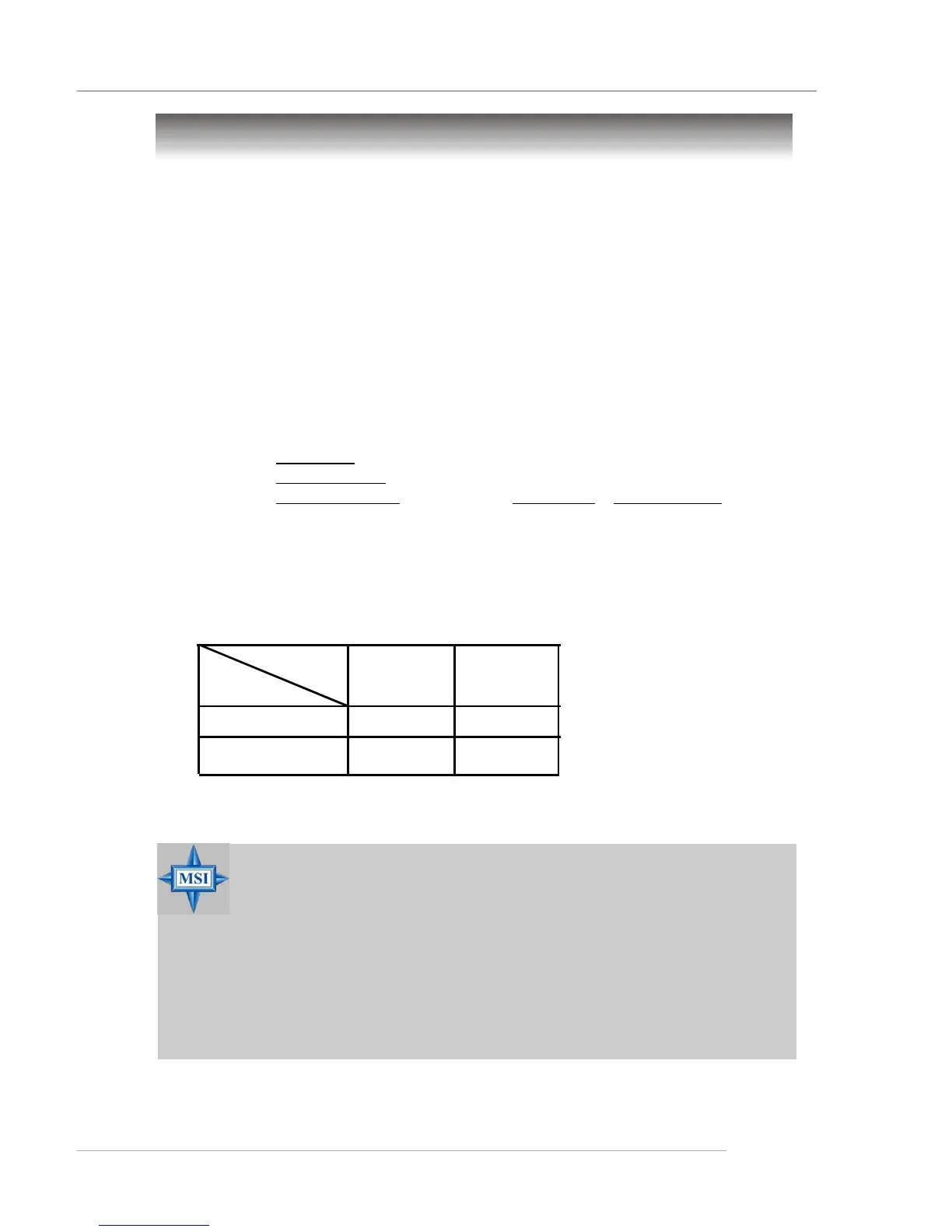
Memory Speed/CPU FSB Support Matrix
Example of CPU Core Speed Derivation Procedure
If CPU Clock = 133MHz
Core/Bus ratio = 23
then CPU core speed = Host Clock x Core/Bus ratio
= 133MHz x 23
= 3.06 GHz
FSB
Memory
DDR 266
400 MHz
DDR 333
533 MHz
OK OK
OK OK



 To Next Page