3-8
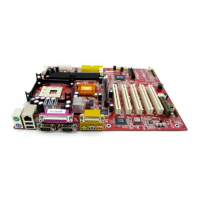
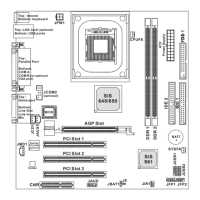
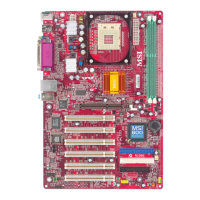
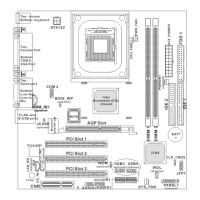
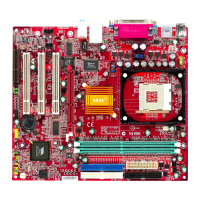
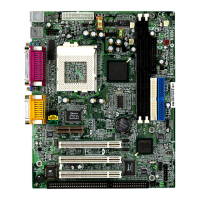
MS-7005 Micro ATX Mainboard
CPU L1 & L2 Cache
The item allows you to turn on or off CPU’s internal (L1) and external (L2) cache.
Settings: [Enabled], [Disabled].
Hyper-Threading Technology
This field is used to enable or disable the Intel Hyper Threading CPU function. Setting
to [Enabled] will increase the system performance. Settings: [Enabled], [Disabled].
Please disable this item if your operating system doesn’t support HT
Function, or unreliability and instability may occur.
MSI Reminds You...
Enabling the functionality of Hyper-Threading Technology for your com-
puter system requires ALL of the following platform Components:
*CPU: An Intel
®
Pentium
®
4 Processor with HT Technology;
*Chipset: A chipset that supports HT Technology;
*BIOS: A BIOS that supports HT Technology and has it enabled;
*OS: Only Microsoft
®
Windows 2000 and XP can support HT technology.
CPU L2 Cache ECC Checking
This field is used to enable or disable the CPU L2 Cache ECC Checking function.
Settings: [Enabled], [Disabled].
Swap Floppy
Setting to [Enabled] will swap floppy drives A: and B:. Settings: [Enabled], [Disabled].
Seek Floppy
Setting to Enabled will make BIOS seek floppy drive A: before booting the system.
Settings: [Disabled], [Enabled].
Boot Up NumLock Status
This setting is to set the Num Lock status when the system is powered on. Setting to
[On] will turn on the Num Lock key when the system is powered on. Setting to [Off]
will allow users to use the arrow keys on the numeric keypad. Setting options: [On],
[Off].
Typematic Rate Setting
This item is used to enable or disable the typematic rate setting including Typematic
Rate & Typematic Delay.
Typematic Rate (Chars/Sec)
After Typematic Rate Setting is enabled, this item allows you to set the rate
(characters/second) at which the keys are accelerated. Settings: [6], [8], [10],
[12], [15], [20], [24], [30].
Typematic Delay (Msec)
This item allows you to select the delay between when the key was first
pressed and when the acceleration begins. Settings:[250], [500], [750] and
[1000].


 To Next Page