4-9
BIOS Setup
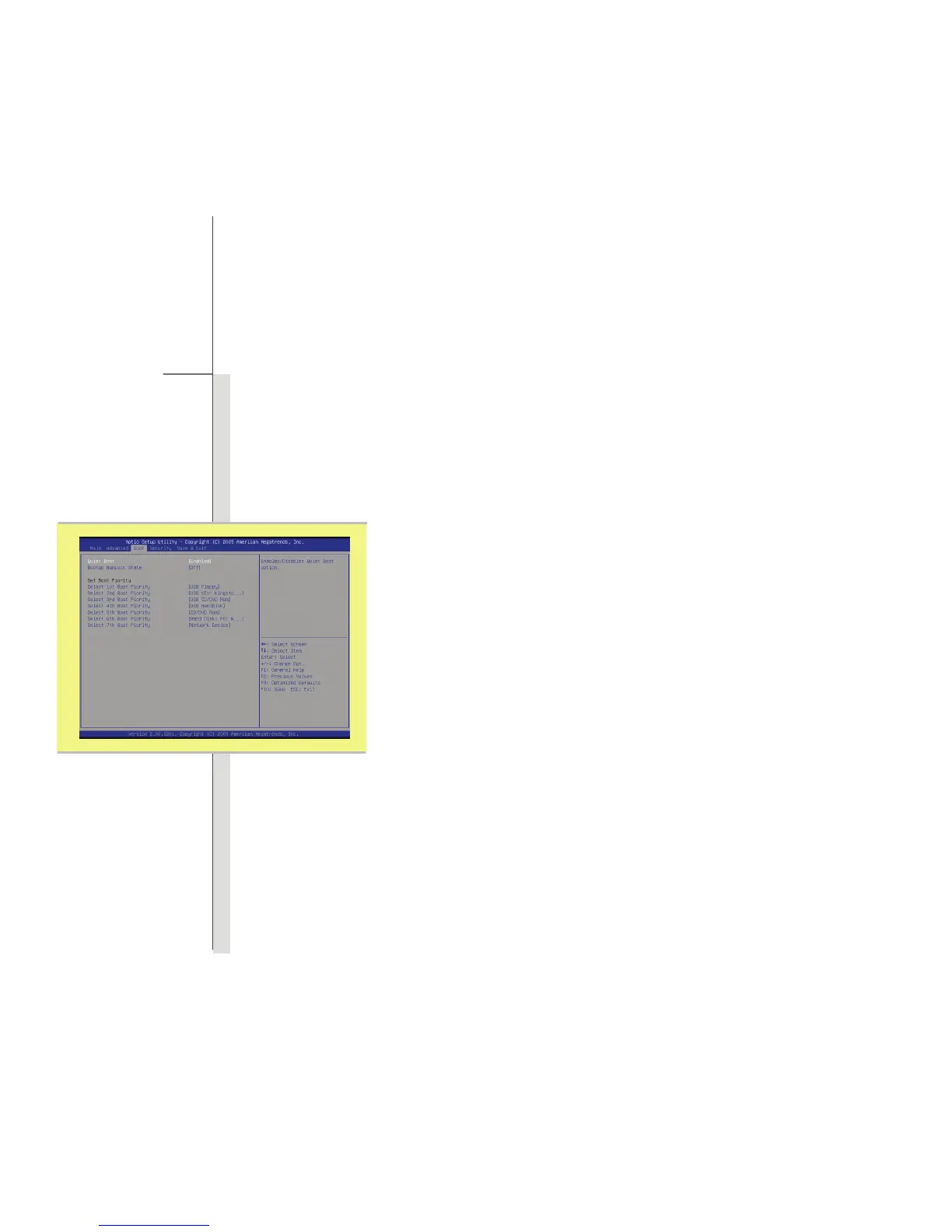
Boot Menu
Quiet Boot
This setting is to show POST message during POST process, if not, then it
will show OEM logo.
Bootup NumLock State
This setting is to set the Num Lock State when the system is powered on.
Setting to On will turn on the Num Lock key when the system is powered on.
Setting to Off will allow the users to use the arrow keys on the numeric
keypad.
Set Boot Priority
These items showing the sequence of boot devices where BIOS attempts
to load the disk operating system.



 To Next Page