12
OSD Menus
1st Level Menu 2nd/3rd Level Menu Description
Alarm Clock Location Left Top ∙ After setting the time, press the OK Button to
activate the timer.
∙ Users have to manually restore their preset
Alarm Clock after any AC power loss and
reconnection.
Right Top
Left Bottom
Right Bottom
OFF
15:00 00:01 ~ 99:59
30:00
45:00
60:00
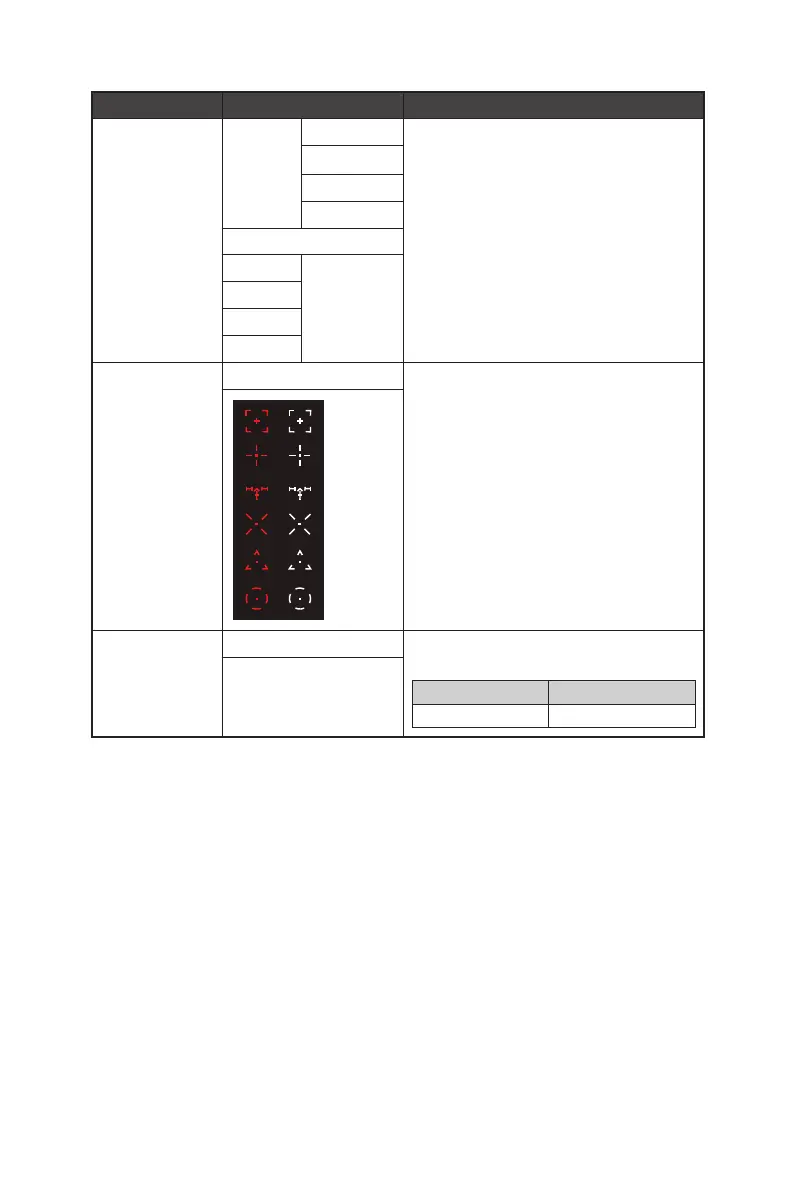
Screen Assistance None ∙ Users can adjust Screen Assistance in any
mode.
Adaptive-Sync OFF ∙ Adaptive-Sync prevents screen tearing.
∙ Activating Adaptive-Sync will affect:
Affected Function Function Status
» MPRT Set to OFF
ON



 To Next Page