EasyManua.ls Logo

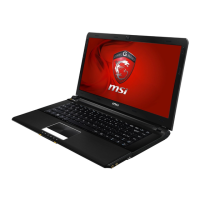
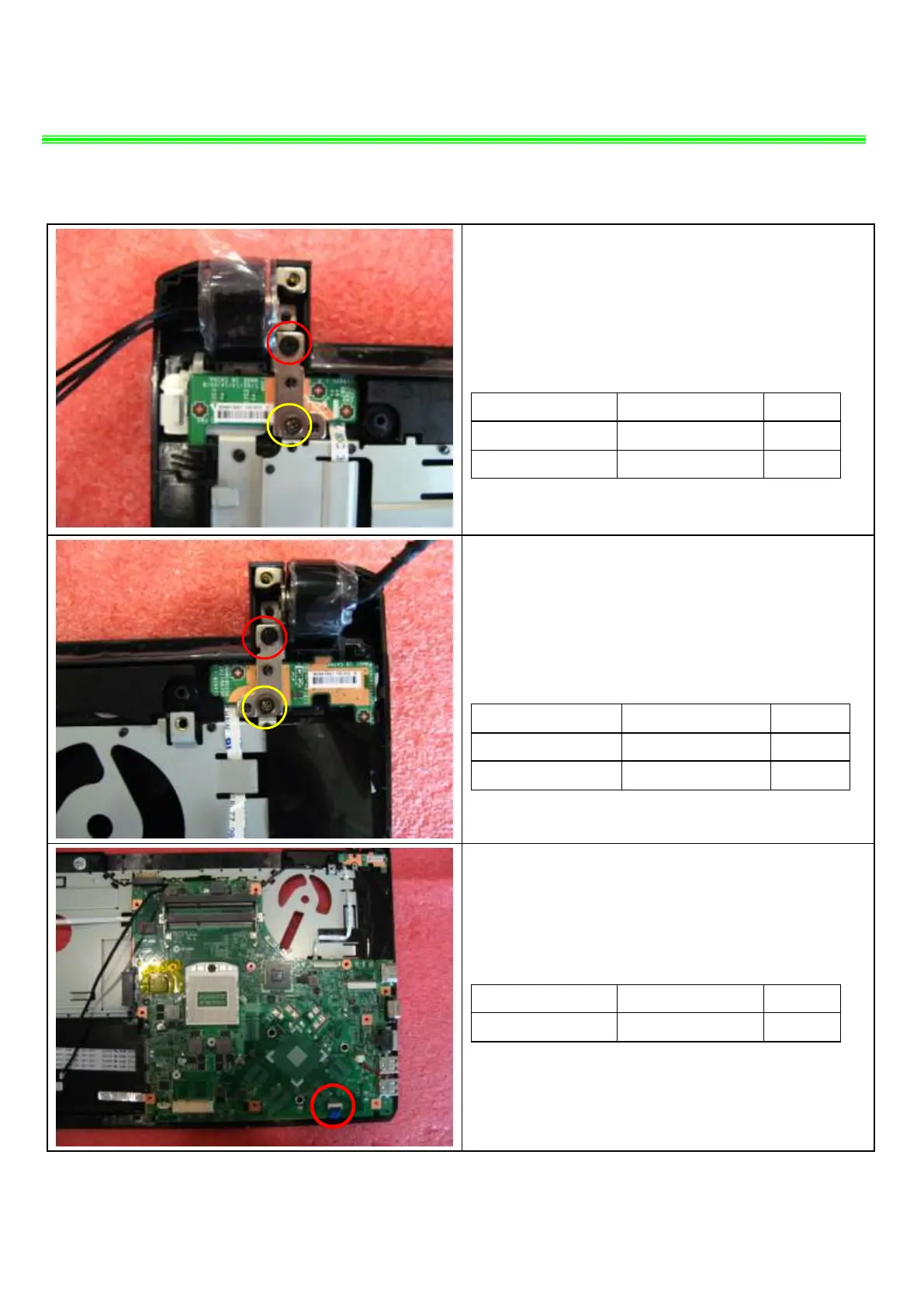
MSI GE40 - LCD Hinge Screw Removal (Left); LCD Hinge Screw Removal (Right); Touchpad Cable Disconnection and MB Removal

MSI GE40
14 pages
Print Icon
To Next Page IconTo Next Page
To Previous Page IconTo Previous Page
Loading...
GE40/CR42 (MS-1492) Disassemble Guide
6LOWER CASE ASSY
6.4Remove the 1 screws (M2.5*5mm)and Remove
the 1 screws (M2*3.5mm)that stabilize the left LCD
hinge.
Attention: the screw driver torque is 3.0-3.5Kgf-cm
Component
P/N
Qty
Screw
E43-1255001-H29
1
Screw
E43-1203501-H29
1
6.5Remove the 1 screws (M2.5*5mm)and Remove
the 1 screws (M2*3.5mm)that stabilize the Right LCD
hinge.
Attention: the screw driver torque is 3.0-3.5Kgf-cm
Component
P/N
Qty
screw
E43-1255001-H29
1
screw
E43-1203501-H29
1
6.6:Disconnect Touchpad Cable as pic shows,then
remove MB.
Component
P/N
Qty
MB
607-14921-02S
1

Related product manuals