3-24
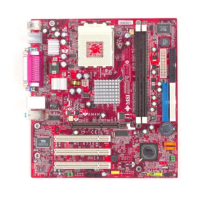
MS-6734 M-ATX Mainboard
IRQ Activity Monitoring
Press <Enter> and the following sub-menu appears.
Primary INTR
Selecting ON will cause the system to wake up from power saving modes
if activity is detected from any enabled IRQ channels. Settings: ON, OFF.
IRQ3~IRQ15
IRQ3~IRQ15 enable or disable the monitoring of the specified IRQ line. If
set to [Enabled], the activity of the specified IRQ line will prevent the
system from entering power saving modes or awaken it from power sav-
ing modes.
MSI Reminds You...
IRQ (Interrupt Request) lines are system resources allocated to I/
O devices. When an I/O device needs to gain attention of the oper-
ating system, it signals this by causing an IRQ to occur. After re-
ceiving the signal, when the operating system is ready, the system
will interrupt itself and perform the service required by the I/O
device.


 To Next Page
 Loading...