Need help?
Do you have a question about the MSI KM4M Series and is the answer not in the manual?
Details CPU, Chipset, Memory, Slots, and On-Board Peripherals for the mainboard.
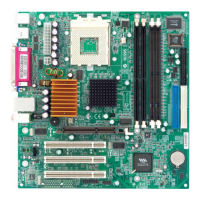
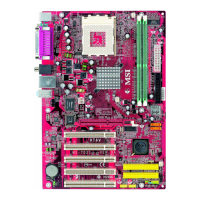
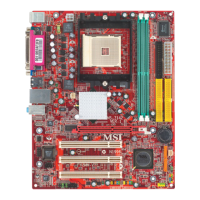
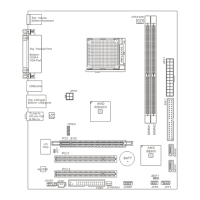
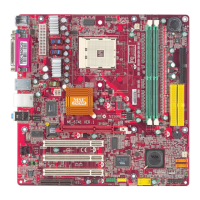
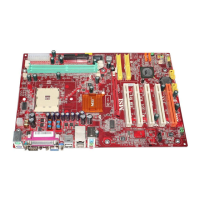
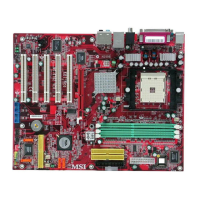
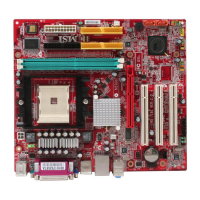
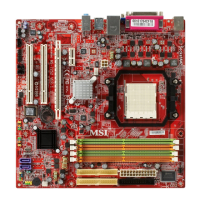
Visual guide showing the placement of key components and connectors on the mainboard.
Locates and identifies mainboard components, connectors, and jumpers for easy reference.
Steps for installing the CPU, heat sink, fan, and important thermal considerations.
Details on installing DDR DIMMs, memory speed/FSB support, and module combinations.
Connecting ATX power, and details of Mouse, Keyboard, USB, Parallel, Serial, LAN, IEEE1394, VGA, Audio ports.
Explains FDD, IDE, Fan, Front Panel, USB, IEEE1394, CD-In, SPDIF, IrDA, Chassis Intrusion, SM Bus connectors.
Configuring Clear CMOS, CPU frequency jumpers, and understanding AGP and PCI slot functions.
Steps to enter BIOS setup, main menu overview, and essential navigation keys.
Settings for system date, time, IDE devices, floppy drives, video, and halt-on errors.
Options for boot sequence, CPU cache, security, DRAM timing, AGP settings, and overclocking.
Managing onboard devices (IDE, LAN, Audio, USB) and configuring power saving modes.
Configuring Plug and Play, monitoring system health, and adjusting frequencies/voltages.
Restoring BIOS defaults, setting supervisor/user passwords, and saving/exiting configuration.
Step-by-step guide to install the necessary drivers for audio functionality.
Procedures for connecting speakers and configuring audio settings in software utility.
How to test individual speakers and verify the multi-channel audio setup.
Instructions for using the KaraOK feature to remove vocals for singing along.
How to identify an MSI product and determine the installed BIOS version.
Guidance on updating BIOS, resolving boot failures after flashing, and common BIOS sticker queries.
Links and instructions for finding BIOS, drivers, software, and user manuals.
Troubleshooting steps for system boot failures, compatibility issues with PCI cards or other brands.
Definitions for ACPI, AGP, BIOS, CMOS, EIDE, IEEE 1394, IRQ, ISA, LAN, etc.
Definitions for LBA, LED, MAC Address, Overclocking, PCI, PnP, RAID, SCSI, USB, WLAN, etc.
 General
| Brand | MSI |
|---|---|
| Model | KM4M Series |
| Category | Motherboard |
| Language | English |

 To Next Page