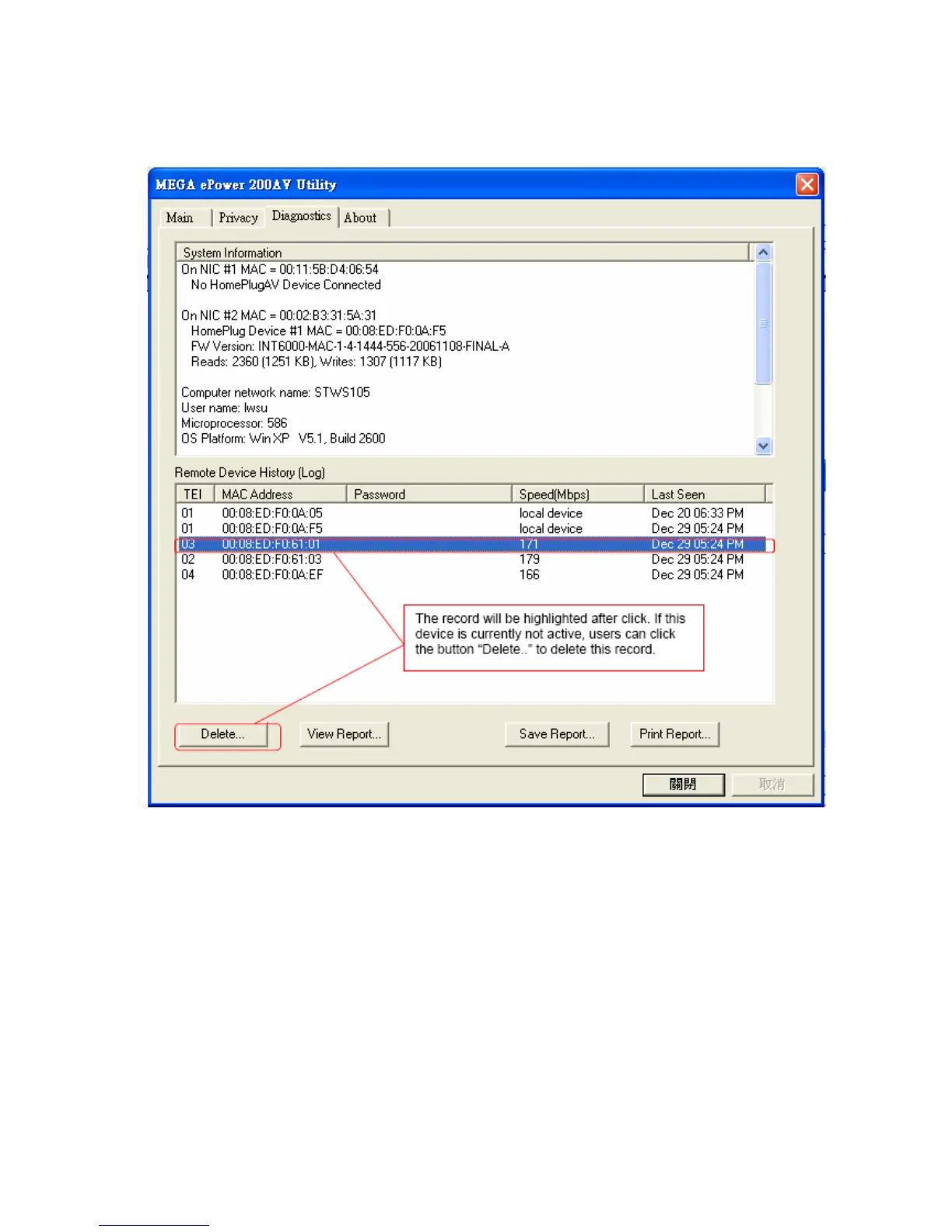
Figure 9: Diagnostics Frame Screen
The lower window of Diagnostics frame contains the history of all remote devices which
have been found by the computer previously. All the devices will be shown here,
regardless of they are currently active or not. The following information is available from
the list:
z TEI
z MAC Address
z Password
z Speed(Mbps)
z Last Seen
The diagnostics information displayed on the upper and lower window could be saved
to text file or print out by printers. Devices which no longer existed in the network can be
14



 To Next Page