1.3. Run the Utility
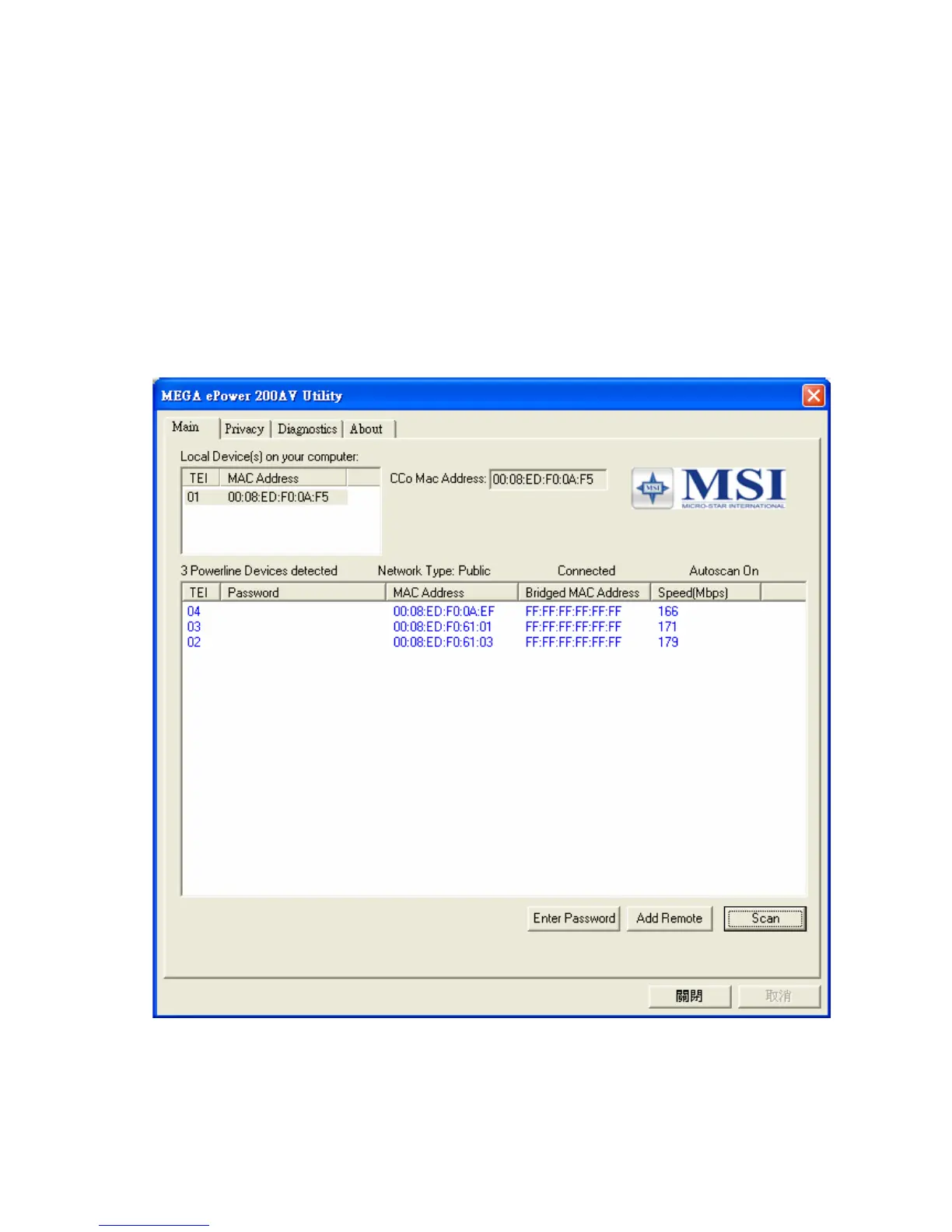
After installing the Utility Program, please run the Utility Program from the Start / All
Programs or double-click the utility icon on the desktop. Figure 3 is the main frame
screen of the utility program. This screen shows a 200Mbps PLC-Ethernet Bridge device
connected as a local device and another three 200Mbps PLC-Ethernet Bridge devices
as remote devices.
Figure 3: Utility Program Main Screen
5



 To Next Page