5
4 How to Install Utility
First step, you need to verify that there is no any other Powerline Utility installed on
your computer before installing this utility. If there is another utility installed, please
uninstall it and restart your computer.
Second step, please insert the Utility CD-ROM into the computer’s CD-ROM drive.
Find the Utility Setup file as below: X:\ ePower 200AV+\SOFTWARE\MSI ePower
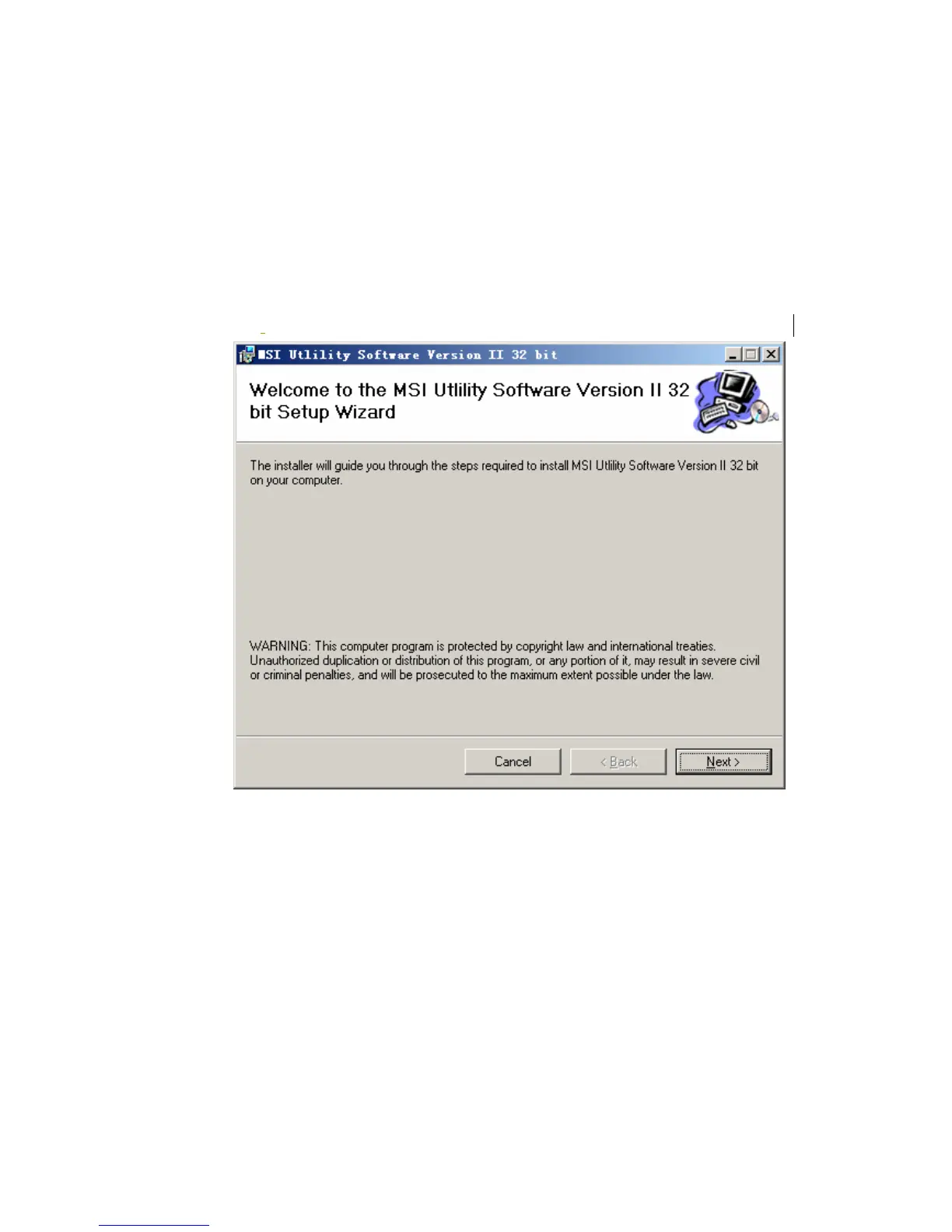
200AV+ Utility_EN\Power Packet5.0. Click the setup.exe and the Next button to
continue.
Figure 4-1 Setup Wizard



 To Next Page