MS-4413
Accelerated Graphic Port
1.3 Install Enhance Drivers For Windows
®
98
(Memphis)
After installing MS-4413 card in the mainboard, Windows
®
will auto-
detect the changes in your hardware configuration, and will auto-
matically install the Standard VGA Driver. To get a higher resolution
and performance, you need to install the MS-4413 Driver.
To install MS-4413 Enhance Drivers, follow the steps below:
Step 1: Insert the 4413_DRV CD into your CD-ROM.
Step 2: In Windows
®
98, click on the Start Menu.
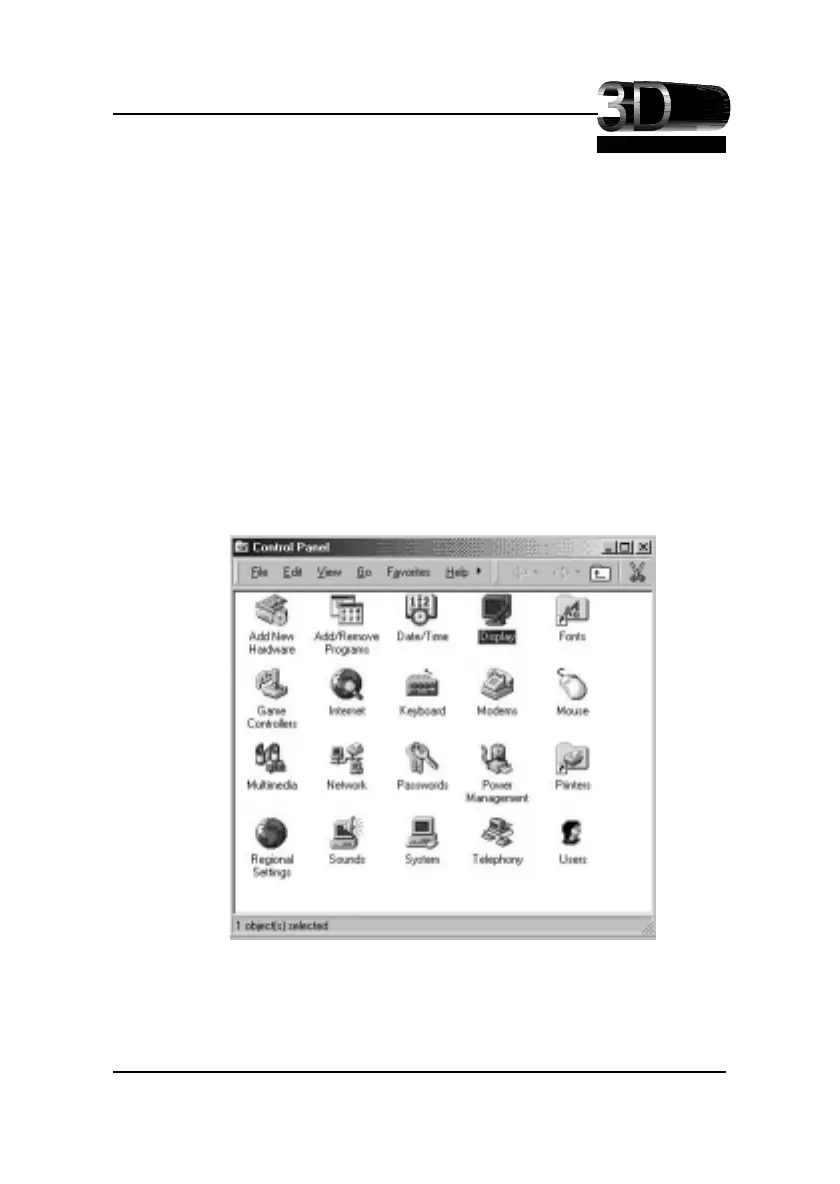
Step 3: Choose Settings, then open Control Panel.
Step 4: Double click on Display Icon.
2-15





 To Next Page