CHAPTER 2CHAPTER 2
CHAPTER 2CHAPTER 2
CHAPTER 2
HARDHARD
HARDHARD
HARD
WW
WW
W
ARE INSTARE INST
ARE INSTARE INST
ARE INST
ALLAALLA
ALLAALLA
ALLA
TIONTION
TIONTION
TION
2-6
• Memory Installation Procedures
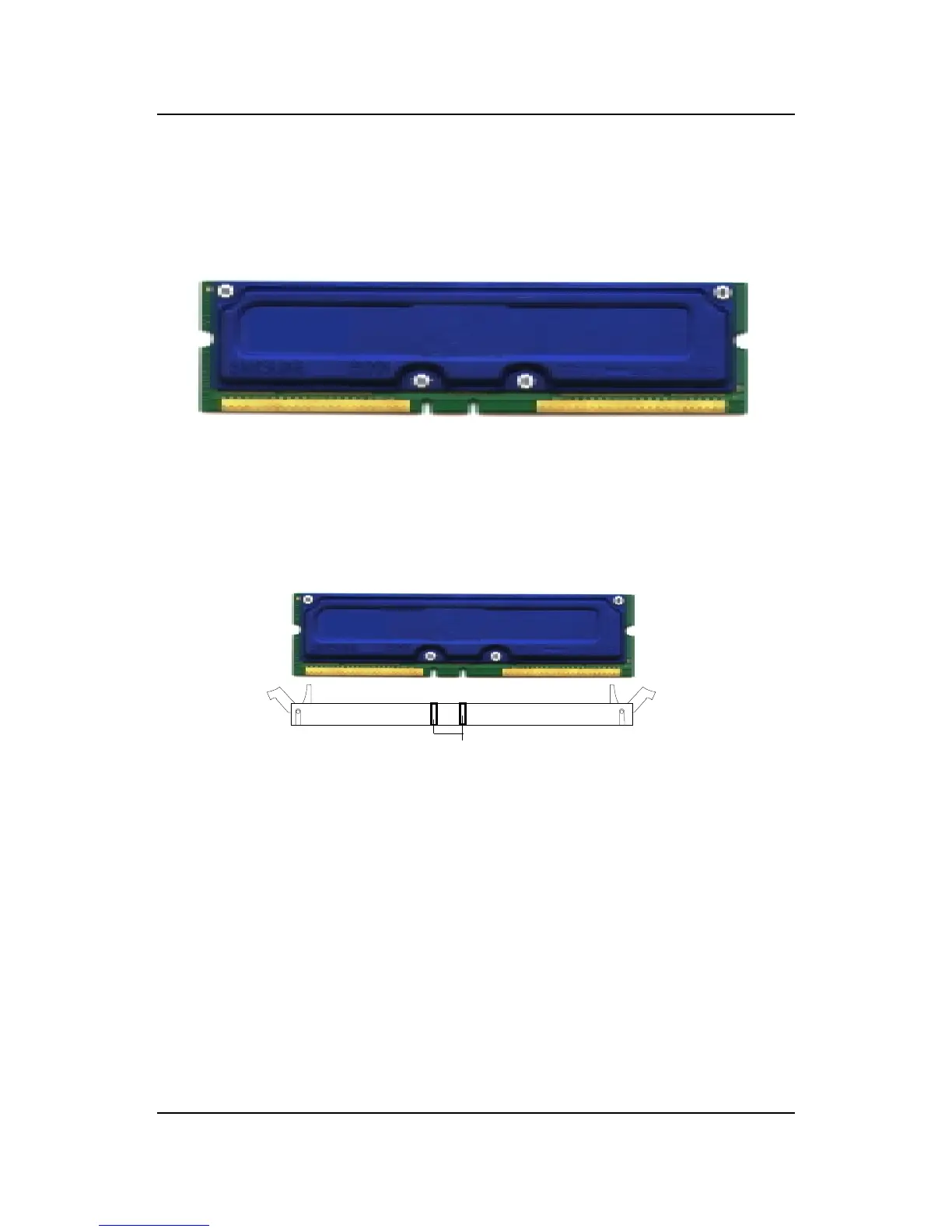
A. How to install a RIMM Module
1. The RIMM slot has 2 Notch Keys, so the RIMM memory module
can only fit in one direction.
2. Insert the RIMM memory module vertically into theRIMM slot.
Then push it in.
3. The plastic clip at the side of the RIMM slot will automatically
close.
NOTCH



 To Next Page