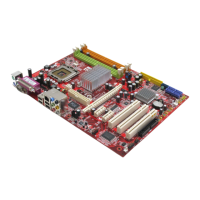
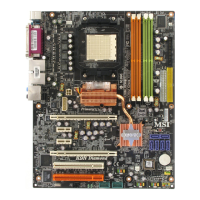
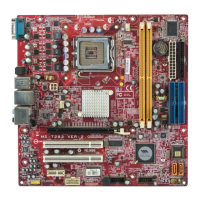
MS-7252 Mainboard
B-22
Rebuilding a RAID Array
Rebuilding is the process of restoring data to a hard drive from other drives in the
array. This applies only to fault tolerant arrays such as RAID 1.
Rebuilding Instructions
After creating a mirrored array, you can rebuild the array using the following steps:
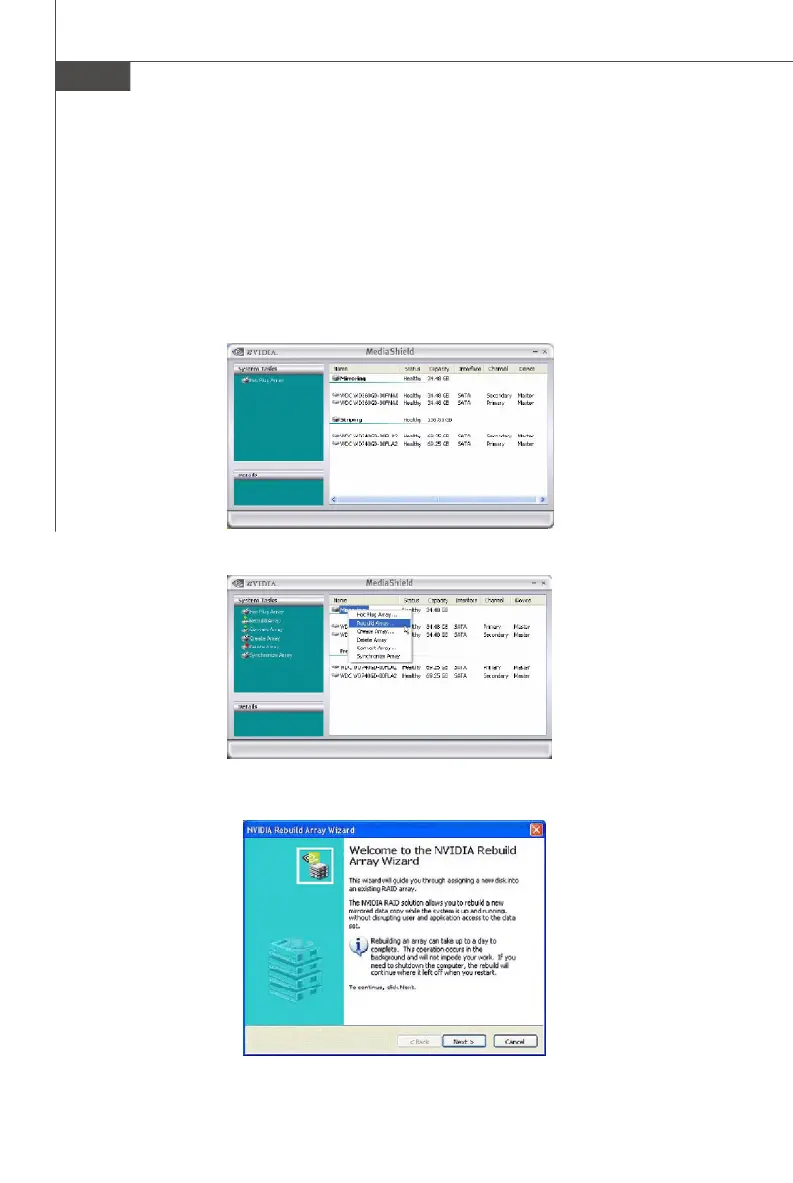
1. Go to Windows and run the NVIDIA RAID Management utility.
The picture below shows an example of a system with one mirrored array and two
free disks.
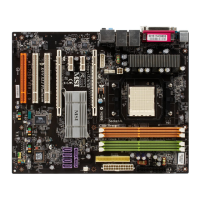
2. Right-click on Mirroring. The popup menu appears.
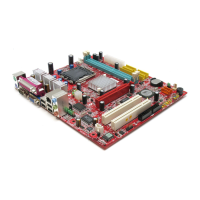
3. From the popup menu, click Rebuild Array. The NVIDIA Rebuild Array Wizard
appears.



 To Next Page