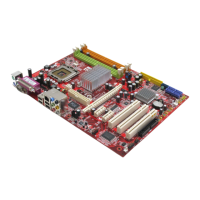
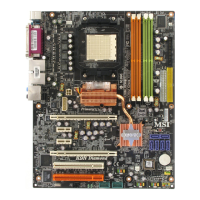
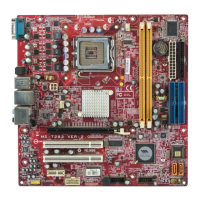
MS-7252 Mainboard
3-20
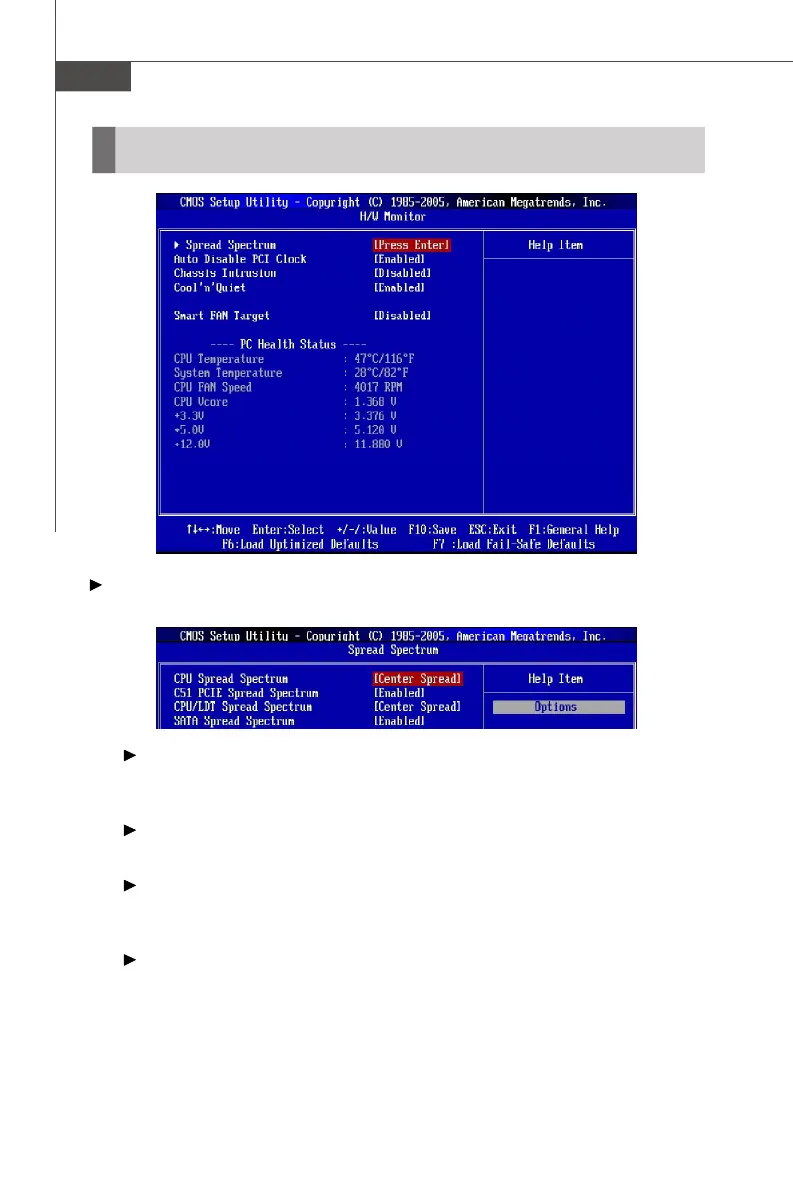
Spread Spectrum
Press <Enter> to enter the sub-menu and the following screen appears.
CPU Spread Spectrum
This setting is used to enable or disable the CPU Spread Spectrum feature.
When overclocking the CPU, always set it to [Disabled].
C51 PCIE Spread Spectrum
This setting is used to enable or disable the C51 PCIE Spread Spectrum feature.
CPU/LDT Spread Spectrum
This setting is used to enable or disable the CPU/LDT Spread Spectrum feature.
When overclocking the CPU, always set it to [Disabled].
SATA Spread Spectrum
This setting is used to enable or disable the SATA Spread Spectrum feature.
H/W Monitor



 To Next Page