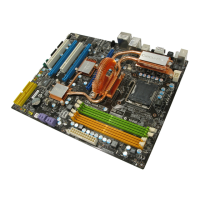
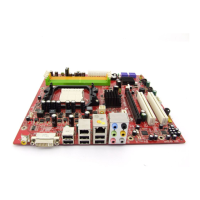
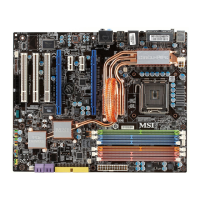
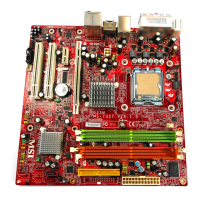
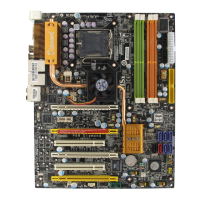
MS-7367 Mainboard
C-2
Important
Please note that the TV-Out bracket can connect to one TV only. Users have
to choose either the RCA Composite or the S-Video to connect. Simultane-
ous connection (of this bracket) to two TVs is prohibited and may lead to the
malfunction of the TVs.
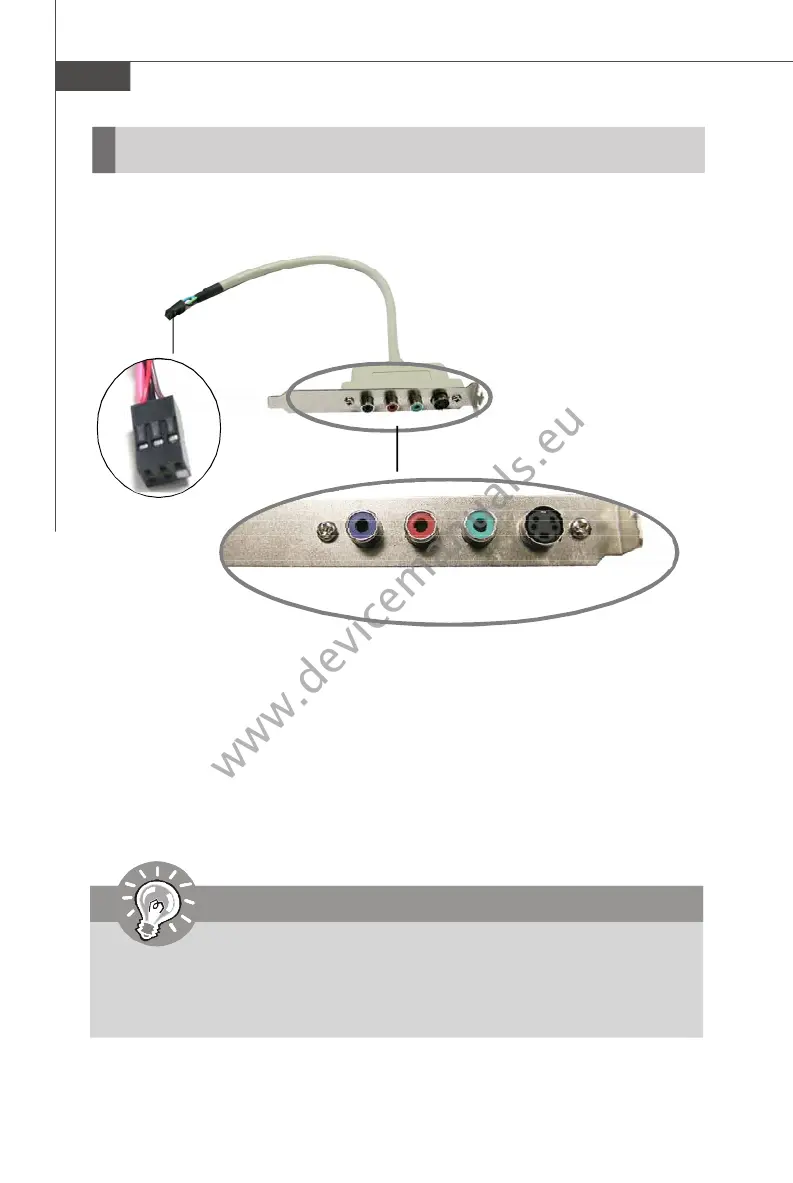
Installing the TV-Out Bracket
1. Take out the TV-Out bracket.
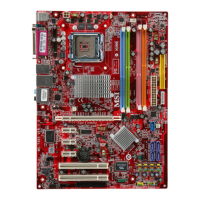
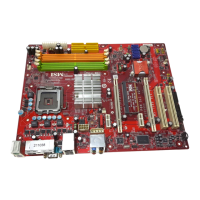
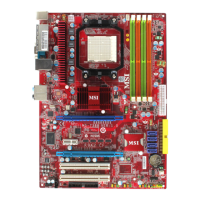
2. Locate the TV-out connector (JTV1) on the mainboard.
3. Connect the TV-Out bracket to the connector. Align the foolproof design with the
pin layout of the connector to avoid mis-inserting.
4. Place the TV-Out bracket into the first slot of your system case.
TV-Out Bracket
Foolproof
design
TV-Out Connector
(S-Video)
TV-Out Connector
(RCA Composite)


 To Next Page