3-7
How to Set Up the VR Backpack PC for the
First Time
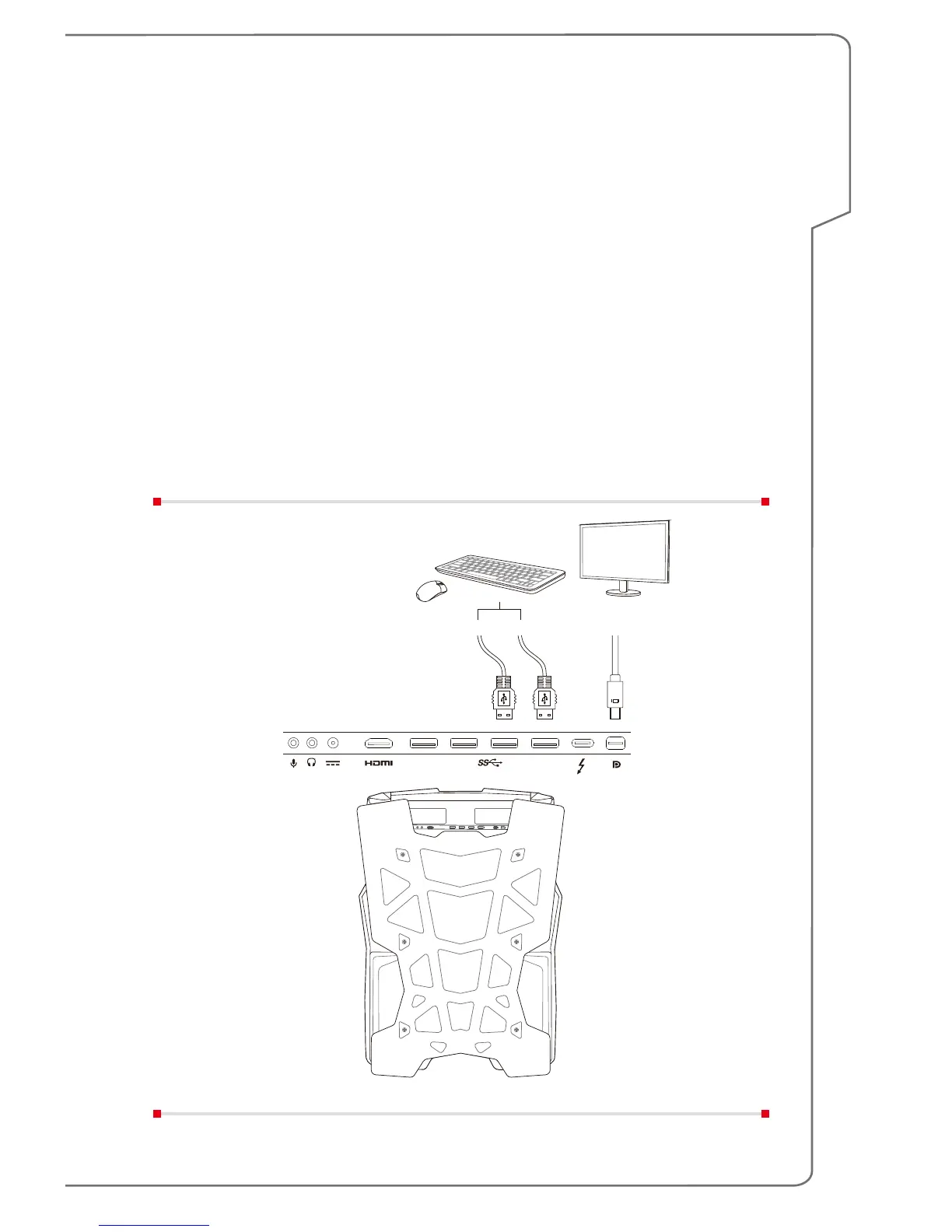
Connect a Monitor to the VR Backpack PC
Have the VR backpack PC connected to a monitor through mini-DisplayPort and
then have it connected to AC power. Power on the VR backpack PC. DO NOT
connect your VR headset yet.
Note:
• DO NOT have your VR headset and monitor connected simultaneously
during first boot.
• Once users change the settings and scenarios, the remote configuration
needs to be reset.
• Refer to your VR device supplier’s guide for detailed settings.


 To Next Page