2-16
Introductions
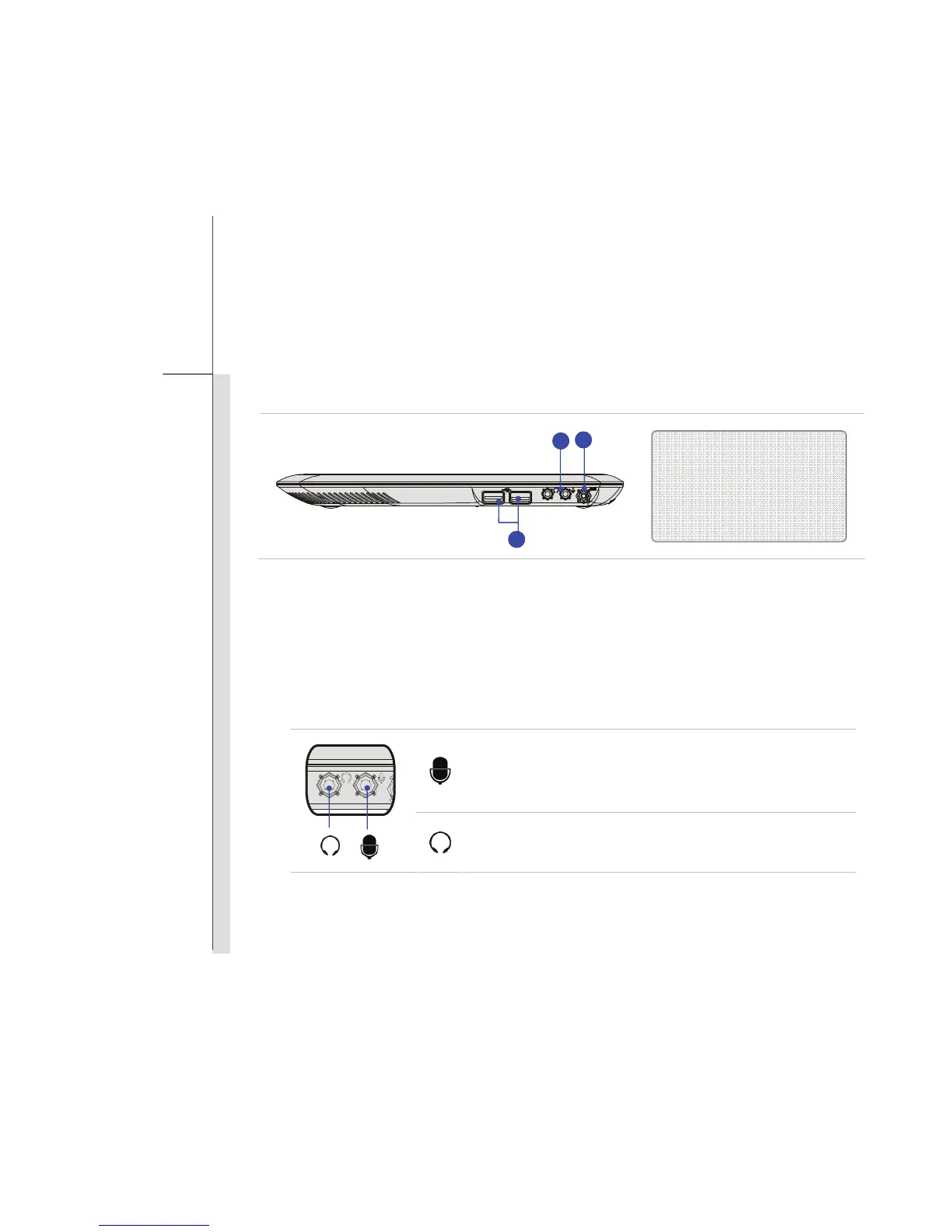
Right Side View
1. USB Port
The USB 2.0 port allows you to connect USB-interface peripheral devices, such as the mouse,
keyboard, modem, portable hard disk module, printer and more.
2. Audio Port Connectors
Make high quality sound blaster with stereo system and Hi-Fi function supported.
Mic-in: Used for an external microphone.
Line In: Used for an external audio device.
Headphone-out: A connector for speakers or headphones.
1. USB Port
2. Audio Port Connectors
3. Power Connector
3
2
1


 To Next Page