MTX.COM
8
INSTALLATION
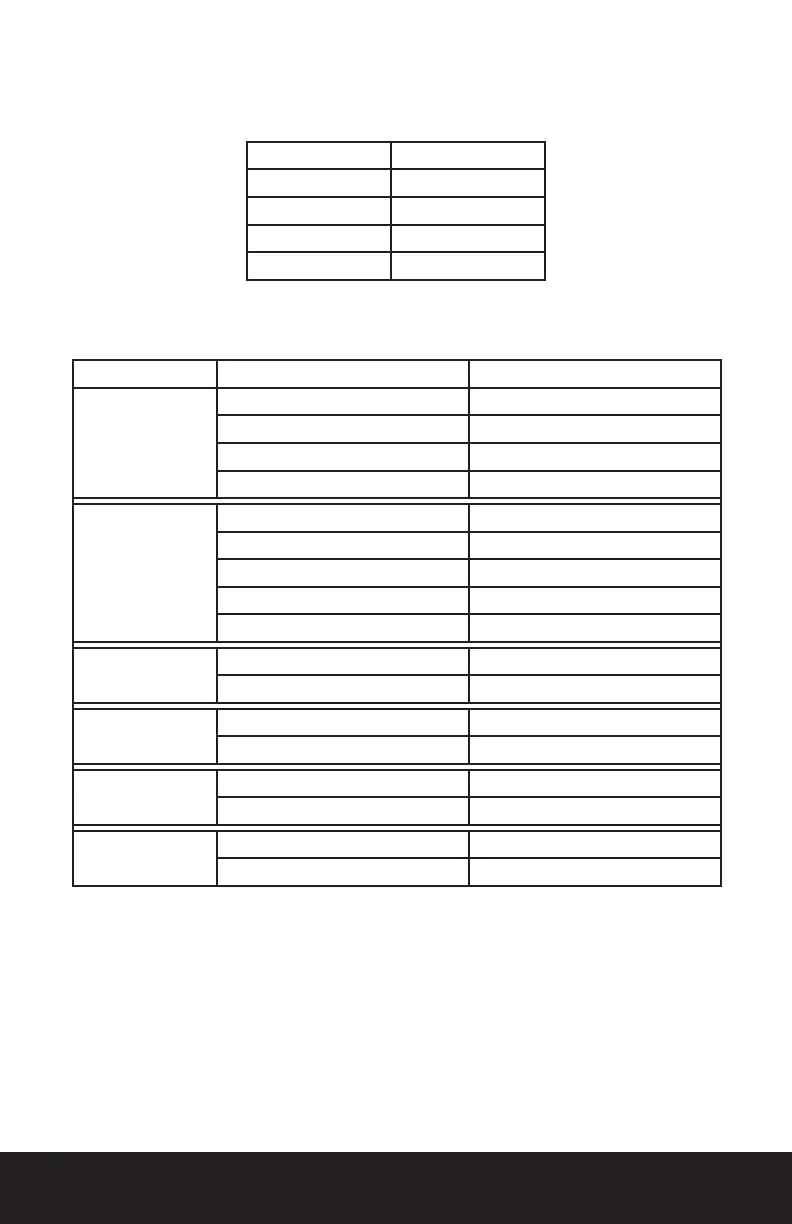
For proper perfomance and safety, MTX recommends installing an inline fuse per the owner’s manual
instructions according to the following.
TROUBLESHOOTING
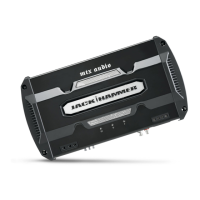
JH15001 150A Fuse (External)
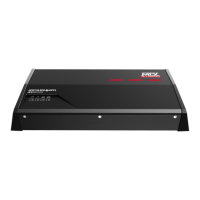
JH10001 100A Fuse (External)
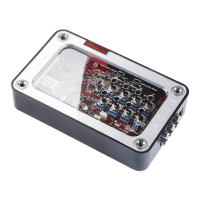
JH5001 60A Fuse
JH7005 100A Fuse
JH3004 50A Fuse
Problem Cause Solution
No LED Indication
No +12V at Remote Connection Supply +12V to Terminal
No +12V at Power Connection Supply +12V to Terminal
Insufcient Ground Connection Verify Ground Connection
Blown Power Fuse Replace Fuse
Power LED On,
No Output
Volume on Source Unit Off Increase Volume on Source Unit
Speaker Connections Not Made Make Speaker Connections
Gain Control on Amplier Off Turn Up Gain
Signal Processing Units Off Apply Power to Signal Processor
All Speakers Blown Replace Speakers
Output Distorted
Head Unit Volume Set Too High Lower Head Unit Volume
Amplier Gain Set Too High Lower Amplier Gain
Balance Reversed
Speaker Wire L & R Reversed Correct Speaker Wire Orientation
RCA Inputs Reversed Reverse RCA Inputs
Bass is Weak
Speakers Wired Out of Phase Wire Speakers with Correct Phase
Not Using MTX Subwoofers Buy MTX Subwoofers
Blowing Fuses
Excessive Output Levels Lower the Volume
Amplier Defective Return for Service



 To Next Page