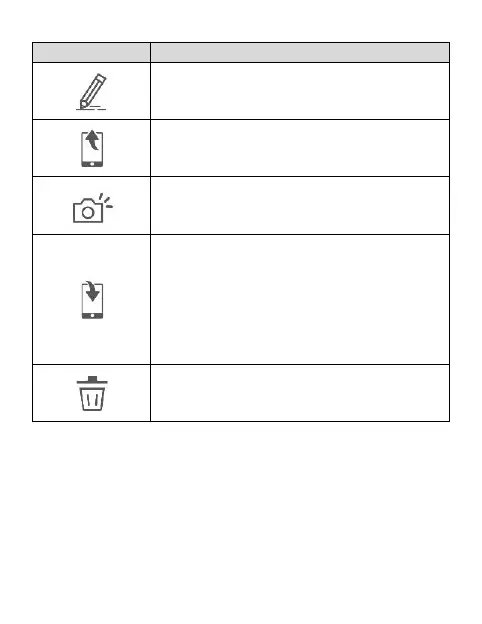
Save the video or photo to
smartphone’s album. When the file is
saved, the screen will show a message
of “Save to smartphone's album
successfully.” and smartphone’s album
will automatically create a folder
named “MUFU Video”.
Delete the file downloaded in App’s
Album. The file in the microSD card in
the camera is still existed.



 To Next Page