EasyManua.ls Logo

Muller licht 404028 - User Manual

Muller licht 404028
54 pages
Go to English
Print Icon
To Next Page IconTo Next Page
Loading...
BEDIENUNGSANLEITUNG ab Seite 2
MODE D‘EMPLOI à partir de la page 28
INSTRUCTION MANUAL from page 52
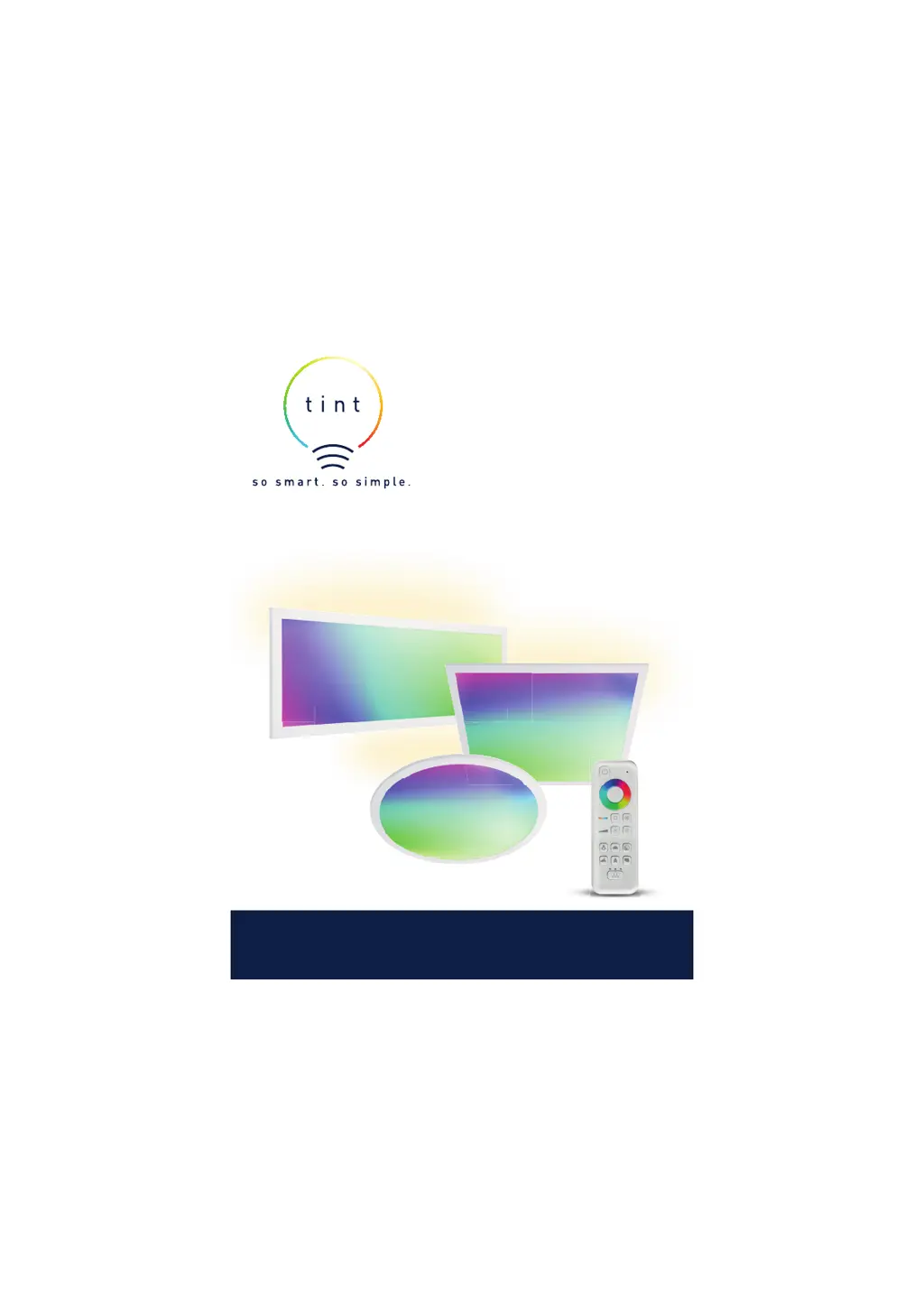
LED-PANEL
404028 | 404029 | 404030
Simple via remote control.
Smart home ready.
S
S
m
m
art

Questions and Answers

  • A
    ariasrichardAug 2, 2025
    What to do if my Muller licht Lighting Equipment tint product is not working?
    • C
      Calvin PatelAug 3, 2025
      If your Muller licht Lighting Equipment tint product is not working, there are several possible causes: * The batteries in the tint remote control may be dead. Replace them. * The tint product itself might be switched off, or the mains plug may not be plugged in. Turn on the product or plug in the mains plug. * You may have selected the wrong group or no group at all. Select the correct group, or select “All groups” by repeatedly pressing the group button until all LEDs above it light up.
  • G
    George GallagherAug 7, 2025
    Why do I have to press the standby button several times on my Muller licht Lighting Equipment?
    • J
      Jason JenkinsAug 8, 2025
      If you have to press the standby button several times on your Muller licht Lighting Equipment, it might be because: 1. The tint product was previously switched off using the light switch, requiring the tint remote control to resynchronize. Allow the remote to do so. 2. Parts of the system have been switched off using a light switch. Turn those parts back on. 3. The tint remote control is resynchronizing. Wait for it to complete.
  • L
    Leonard BennettAug 12, 2025
    What to do if I cannot add the tint product to my Muller licht Lighting Equipment?
    • A
      Alexandria MartinAug 12, 2025
      If you cannot add the tint product to your Muller licht Lighting Equipment, it may be because it is already assigned to a remote control or gateway. Please remove it from the existing network. Also, try bringing it closer to the remote control and switching off any nearby Zigbee devices.
  • R
    Ralph BrownAug 18, 2025
    What to do if existing tint products blink when adding a new one to my Muller licht Lighting Equipment?
    • L
      Leah Cook DDSAug 18, 2025
      If you want to add a new tint product to your Muller licht Lighting Equipment, but the ones already added are blinking, switch off the tint products that are already added or remove them from the product that has already been connected.
  • K
    kimallenAug 22, 2025
    What to do if the wrong Muller licht Lighting Equipment tint product lights up?
    • M
      Mary HoltAug 22, 2025
      If the wrong Muller licht Lighting Equipment tint product lights up, use the group button to select the right group or select “All groups”.
  • C
    Catherine AliAug 28, 2025
    How to check which group my Muller licht Lighting Equipment tint product is in?
    • A
      amandavaughanAug 28, 2025
      To find out which group your Muller licht Lighting Equipment tint product is currently in, simply switch the groups on and off again. This will indicate the group to which your tint product belongs.

Summary

Explanation of Symbols

Hazard Warnings

Details symbols and signal words for hazards leading to severe injury or death if not avoided.

Property Damage Warnings

Details signal words warning against potential damages to property.

Safety Instructions

Safety Notes

General Usage Guidelines for Children

Outlines conditions for use by children and persons with limited capabilities, emphasizing supervision and understanding risks.

Dangers for Children

Details critical warnings regarding children playing with the item, packaging, and batteries, including life-threatening risks.

Electric Shock Hazards

Precautions for Safe Operation

Lists essential checks for voltage, battery insertion, item condition, and avoiding liquids.

Fire and Explosion Hazards

Battery Safety and Handling

Covers risks associated with battery replacement, charging, disposal, and contact with battery fluid.

Property Damage Precautions

Setup

Installing the LED Panel

Disconnecting Power and Marking

Steps to safely disconnect power, mark holes, drill, and insert dowels for mounting.

Connecting Cables and Mounting

Instructions for connecting the connection cable, LED driver, and attaching the panel to the bracket.

Operation

Basic Functions

Details on switching the product on/off and setting colors via the remote control.

Light Control Features

Group Functions

Adding New Tint Products

Reset Procedures

Smart Home Integration

Resetting for Smart Home

Instructions to reset the product to integrate it into a smart home gateway/app.

Zigbee Gateway Integration

Troubleshooting Guide

Muller licht 404028 Specifications

General IconGeneral
BrandMüller Licht
Model404028
TypeLED Bulb
Color Temperature2700K
Luminous Flux806 lm
Voltage230V
Base TypeE27
Equivalent Wattage60W
DimmableNo
Energy Efficiency ClassA+
Lifespan15000 h

Related product manuals