15
1. Usage Tips
For your safety and better conservation of the product, do not let your device take rain, humidity,
sunlight, excessive heat. Do not disassemble the device, it will result in loss of warranty and can also
affect your safety.
2. Cleaning your product
In order to clean the screen or other parts, always use soft cloth, avoid the use of gauze or rough cloth
and other rough papers, this can scratch your device.
3. Turning your Tablet
In order to power on your tablet, press the POWER button for 3 Seconds.
To turn it off, press the POWER button for 3 seconds, select OK in the screen that appears next..
4. Starting to use
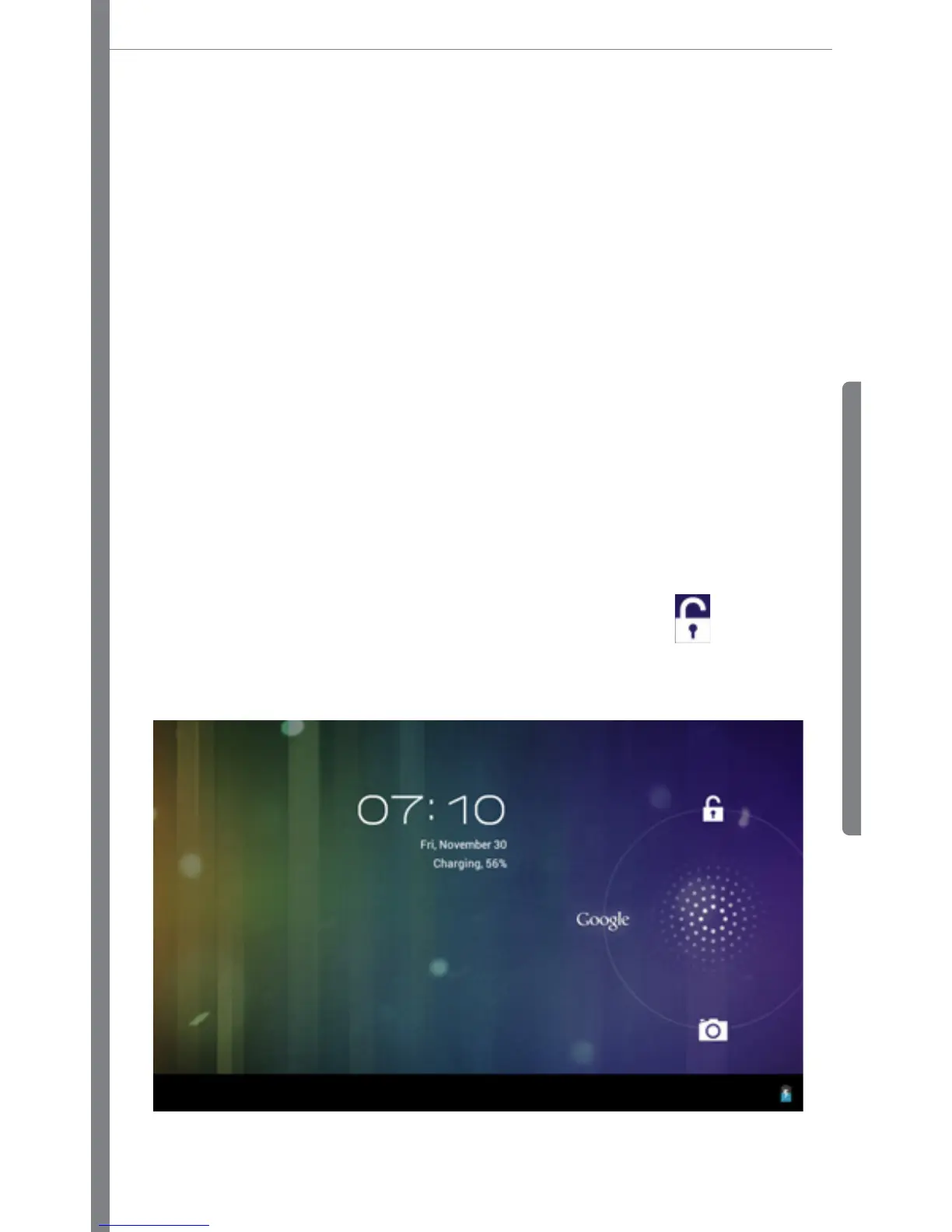
As soon as you power on the device, the screen below will be displayed. This is the home screen lock,
to unlock, tap and drag the center of the circle to the corner where the icon is
, then release it,
now the screen is unlocked.



 To Next Page