21
Select an animated wallpaper.
18. Browser
You can choose one of the browsers below to surf the internet
Android Standard Browser.
Google Chrome.
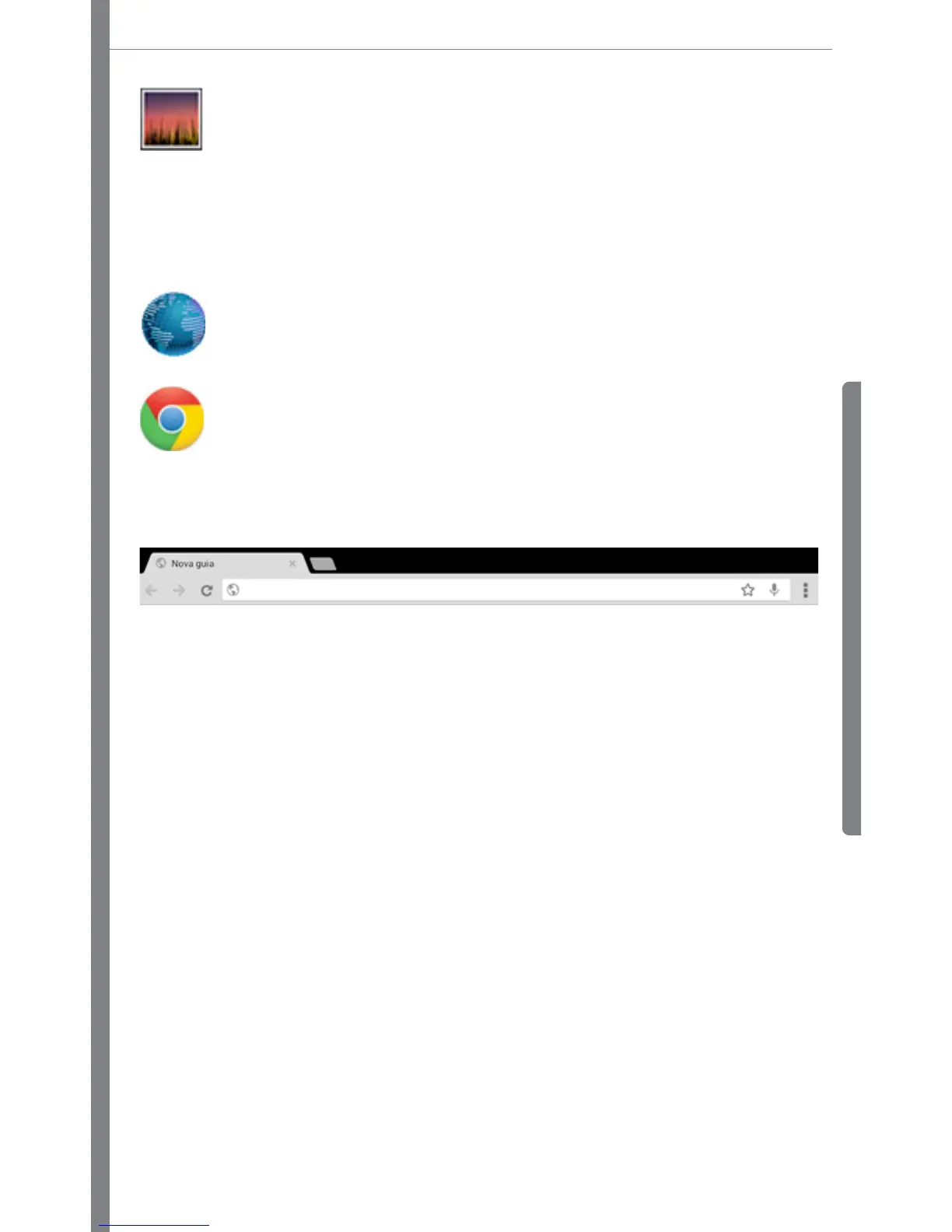
To start surfing the internet, make sure your device is connected to a Wi-Fi network or 3G, in case of 3G
devices. After that, enter the address on address bar, Ex: www.xxxxx.com.br



 To Next Page