150
Adaptadores Wireless
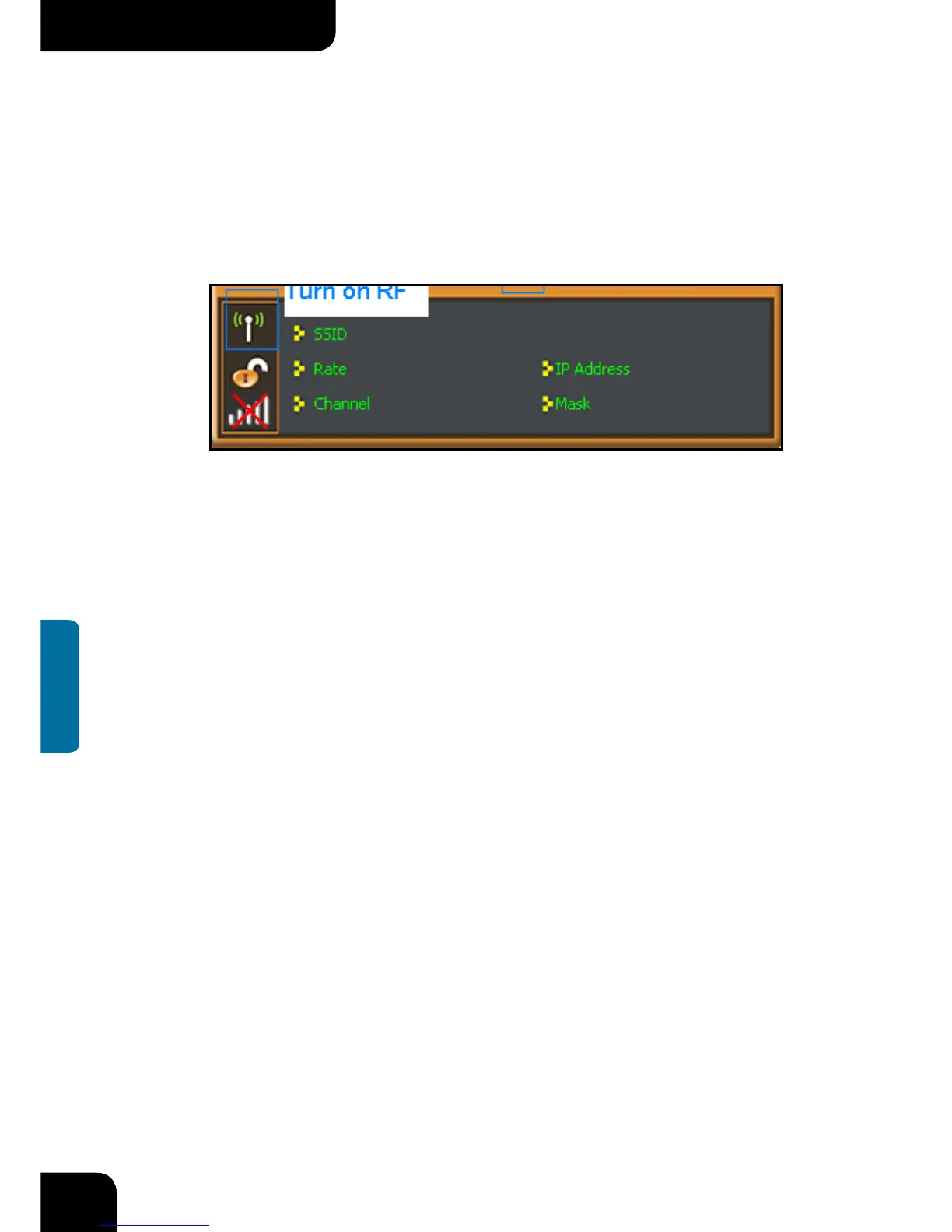
The function buttons on the top(From L to R )are respectively Site Survey, Link
Information, Profile, Advanced, About, Help, and MiniSize. While the left column displays
Turn On/Off RF, Security /No security, and Signal status.
4.1.1 Available Networks
The “Available Networks” screen displays currently scanned wireless signals and you
can click one to connect the signal. Select one and you may view the AP’s MAC address,
wireless mode (A/B/G/N), authentication type, and encryption type, or WPS authentication
and signal strength.



 To Next Page