151
ENGLISH
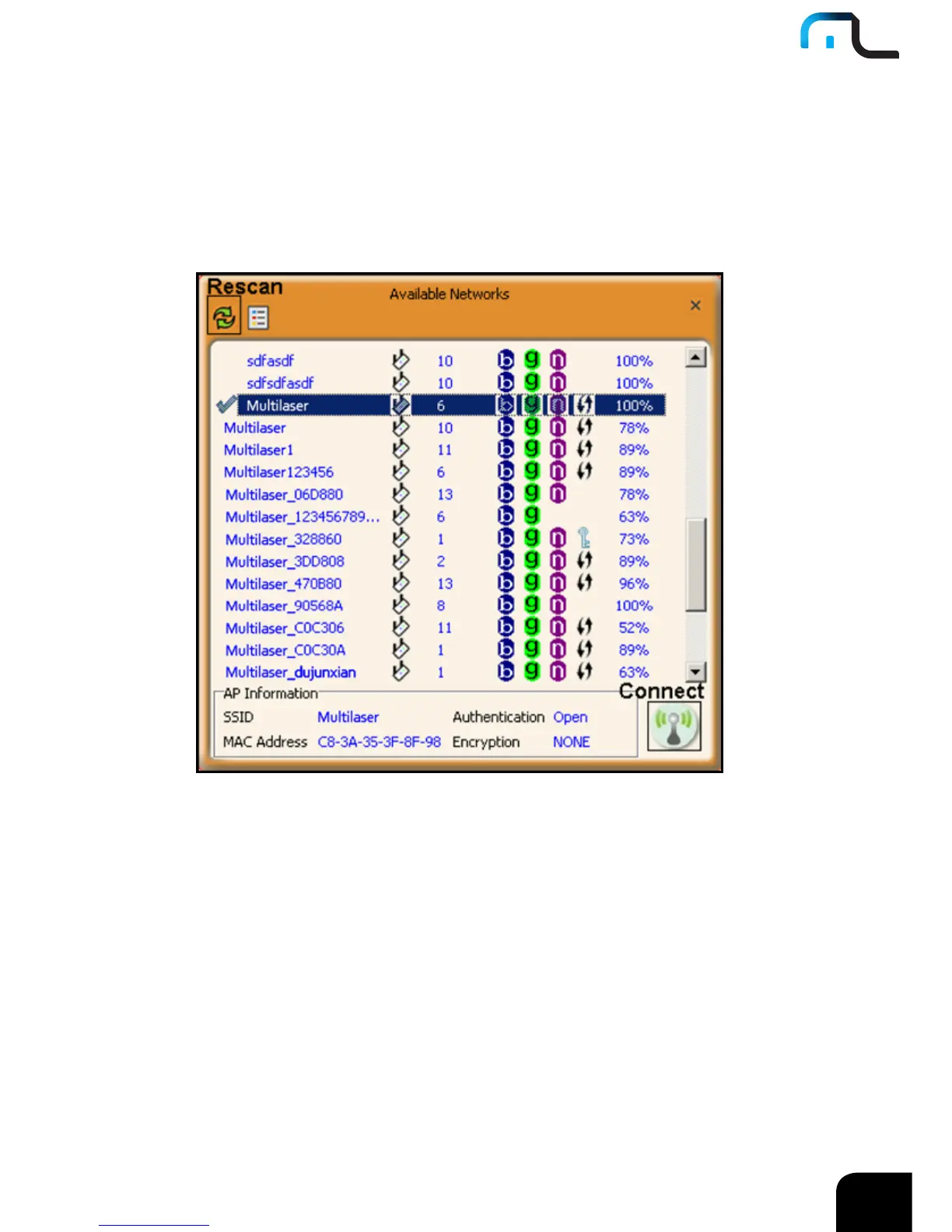
Before you connect to a wireless network, please click the “Rescan” button to update the
wireless network list and select the one you wish to connect, then click the “Connect”
icon.
For the networks that are not encrypted, you can directly click “Connect”. However, for
the encrypted wireless networks,a “Profile” dialog will pop up and you must select the
corresponding authentication type and encryption type,and then click the “Next” button to
input the correct key.Please note that this type of connection will not create a profile ,thus
next time connect to this network you still need to select it manually.



 To Next Page