Chapter 2: Using the Fax Client Software
FaxFinder Client User Guide 17
To view a print capture fax:
1. Click Print Capture.
2. Right-click on a fax and select View to open a TIF file of the document. If you associated TIF files with
the Multi-Tech TIFF Viewer during installation, that program that will open the file.
Viewing Fax Details
To view summary details about a scheduled or sent fax:
1. On the Devices tab, right-click on the FaxFinder you want and click Open.
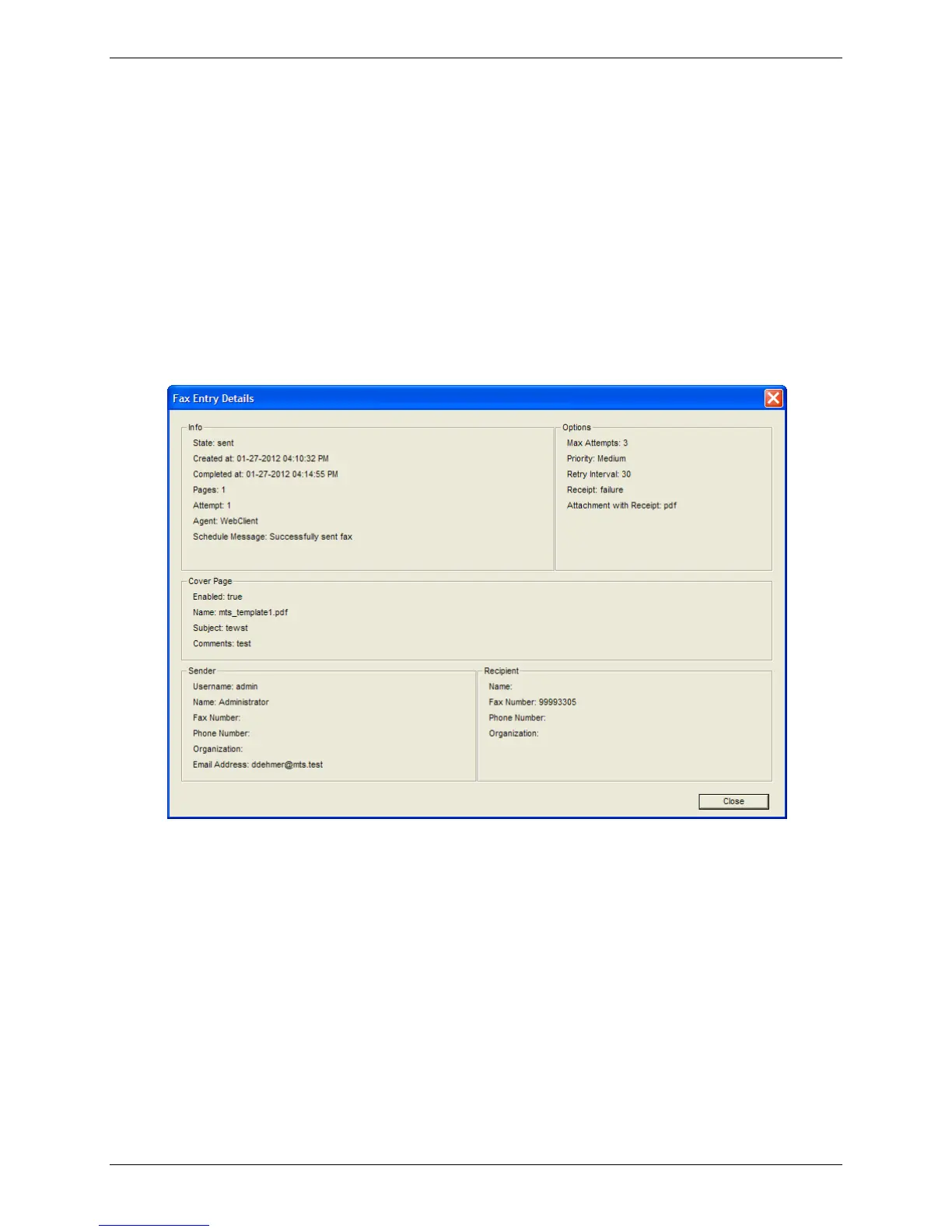
2. Right-click on the fax you want and select Details.
3. This screen includes information on the fax size, status, schedule, options, cover page, sender, and
recipient.
Viewing Print Capture Fax Information
Faxes sent through another application’s print function appear on the Print Capture tab.
To view the document file name, number of pages, and date and time the print capture was sent to
FaxFinder:
● Click Print Capture.
Clearing Listed Print Captures
To clear the list in the Print Capture tab:
● Right-click and select Clear All.



 To Next Page