FaxFinder Client User Guide 5
Overview
FaxFinder is an all-in-one fax server that provides distributed faxing capabilities. Multi-Tech provides two
manuals for use with FaxFinder, this User Guide and the Administrator Guide.
● User Guide includes details on sending faxes and using the client software.
● Administrator Guide provides details on installing, configuring, and managing FaxFinder.
This chapter describes several ways to send faxes through a FaxFinder. How your administrator
configures FaxFinder determines which fax methods are available to you.
Sending a Fax with the Fax Client Software
To use the FaxFinder Fax Client software to send your fax:
1. Start the fax client, if it is not running.
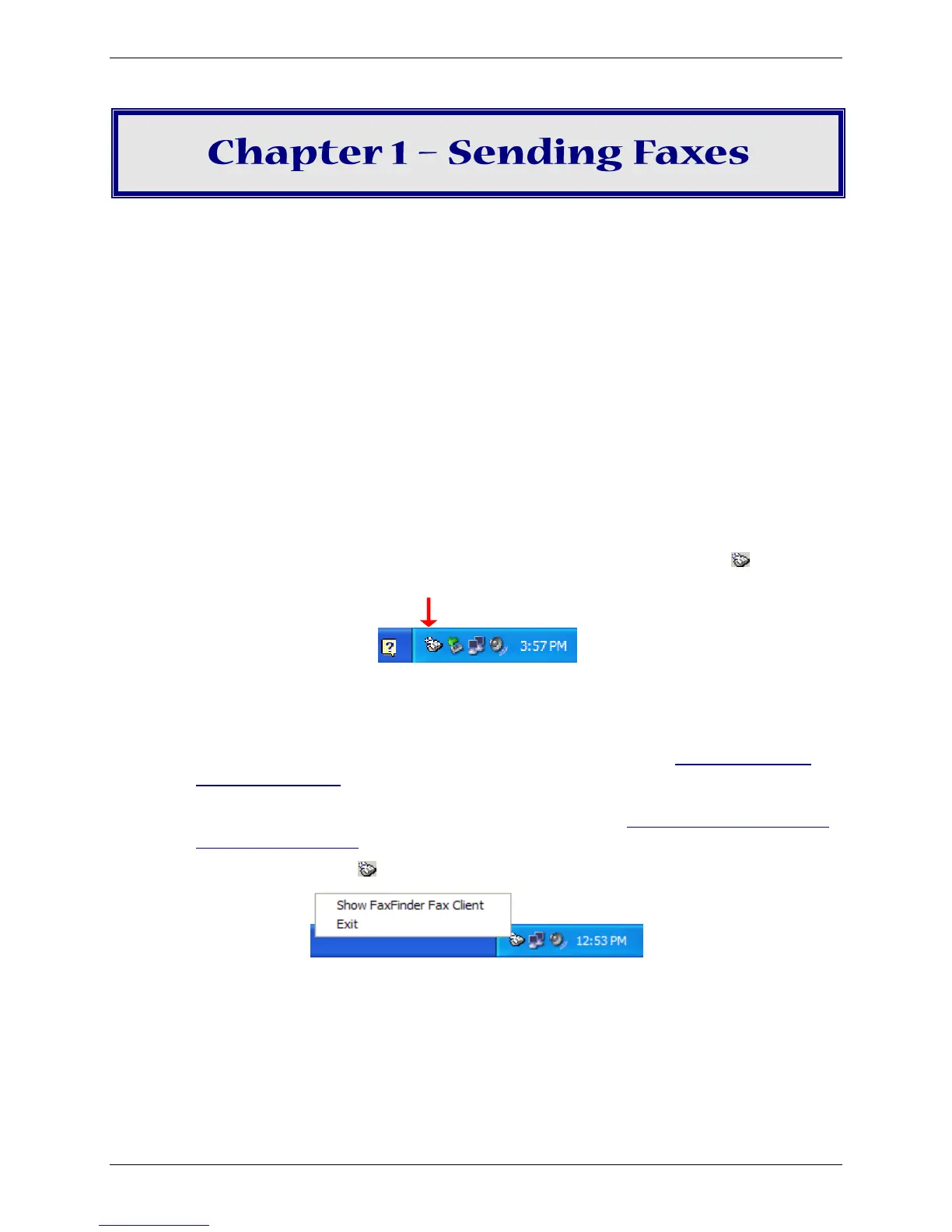
● If the software is set to launch when the computer boots up, the FaxFinder icon, , appears in
the system tray in lower right corner.
System Tray Icon
● If the FaxFinder icon is not in the system tray, click Start | All Programs | FaxFinder Client
Software | FaxFinder Client.
Note: If the FaxFinder Fax Client is not installed on your computer, refer to Appendix A – Client
Software Installation or contact your administrator. To install the software, you need
administrator rights for your computer. After installing the software, associate one or more
FaxFinder units with the software on your computer. Refer to Associating the Software and
a User with a FaxFinder in Appendix A.
Click the FaxFinder Client icon, , and select Show FaxFinder Fax Client.
2. Click File and select New Fax to open the Schedule Fax window.



 To Next Page