Page6of17
IMC08 Frequently Asked Questions
Version 1.02
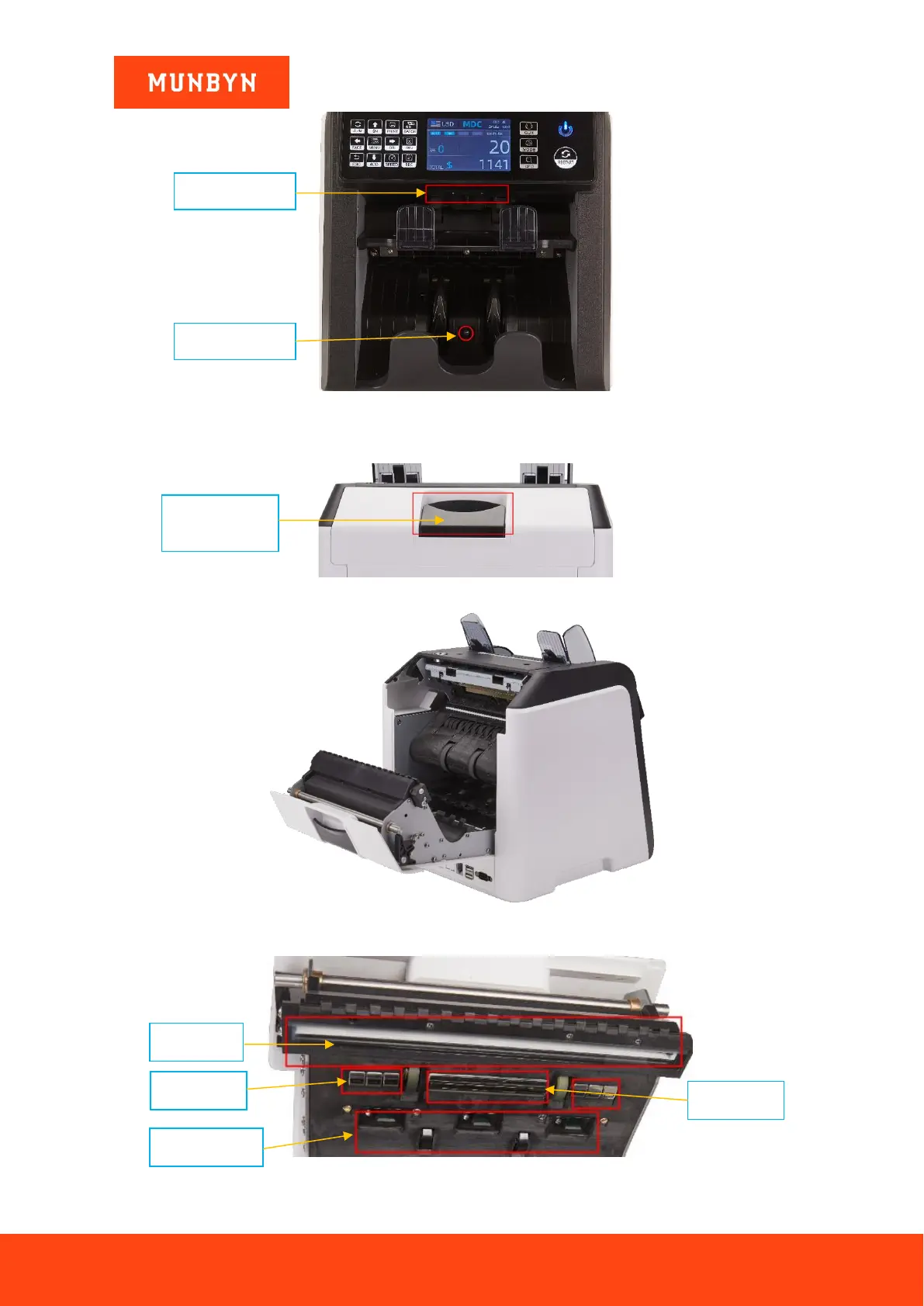
Figure 2-1 The Sensors in Stacker and Reject Pocket
3) Clean the Internal Sensors
a) Pull the handle of back cover.
Figure 2.2 Handle of Back Cover
Figure 2-3 Back Cover Opened
b) As shown in the following figures, clean the marked with cleaning cloth or nylon brush respectively.
Figure 2-4 Lower Sensors



 To Next Page