Version 1.0.0 Rugged Tablet Windows 10 Pro System User Manual
Page 17 of 24
Version 1.0.0 Rugged Tablet Windows 10 Pro System User Manual
Page 18 of 24
5.0 Special Module Description
1) HDMI, USB, protection plugs must be closed to be waterproof.
2) SIM card protection plugs must be closed to be waterproof.
5.1. Waterproof State
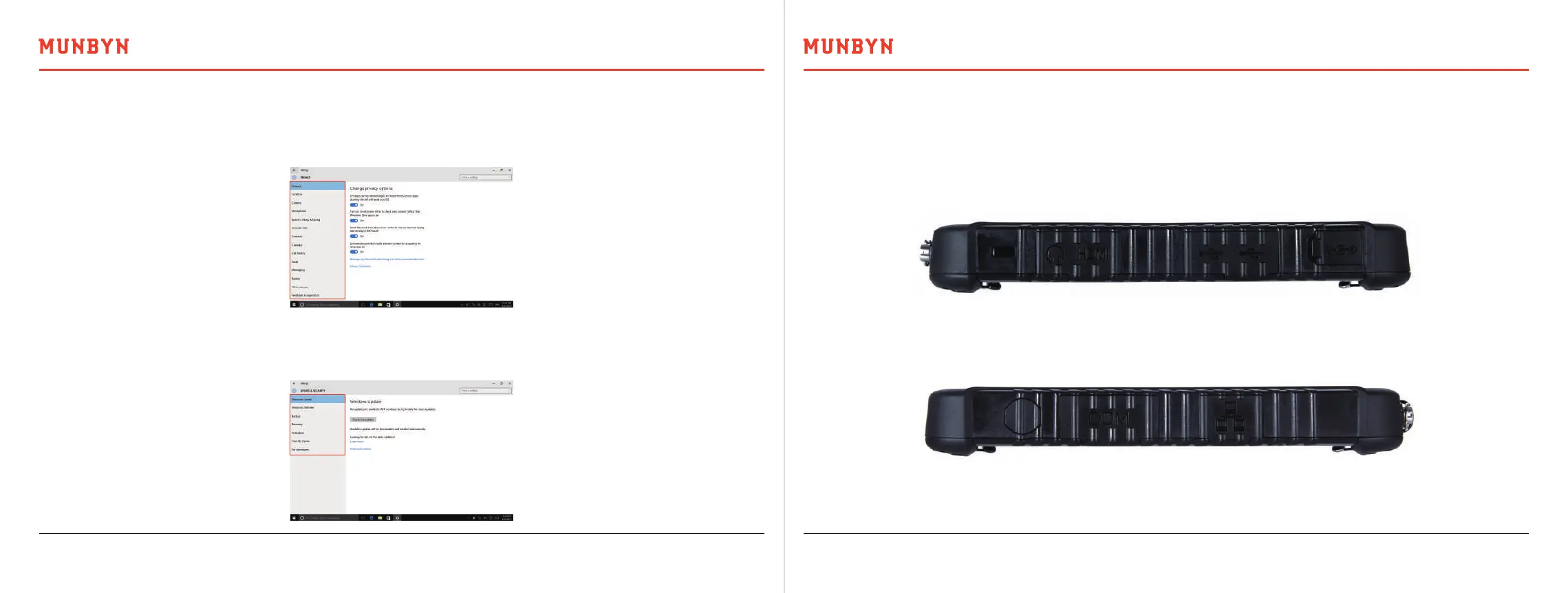
In this page, the personal privacy can be set, such as location, camera, microphone, and e-mail that can control other
applications and visit your privacy option, as the following picture.
4.8. Privacy Setting
In this page after connecting the net can check Windows updating, backup system, recovery, activation, etc. Please
reference the next picture.
4.9. Updating and Safety



 To Next Page