Version 1.0.0 Rugged Tablet Windows 10 Pro System User Manual
Page 19 of 24
Version 1.0.0 Rugged Tablet Windows 10 Pro System User Manual
Page 20 of 24
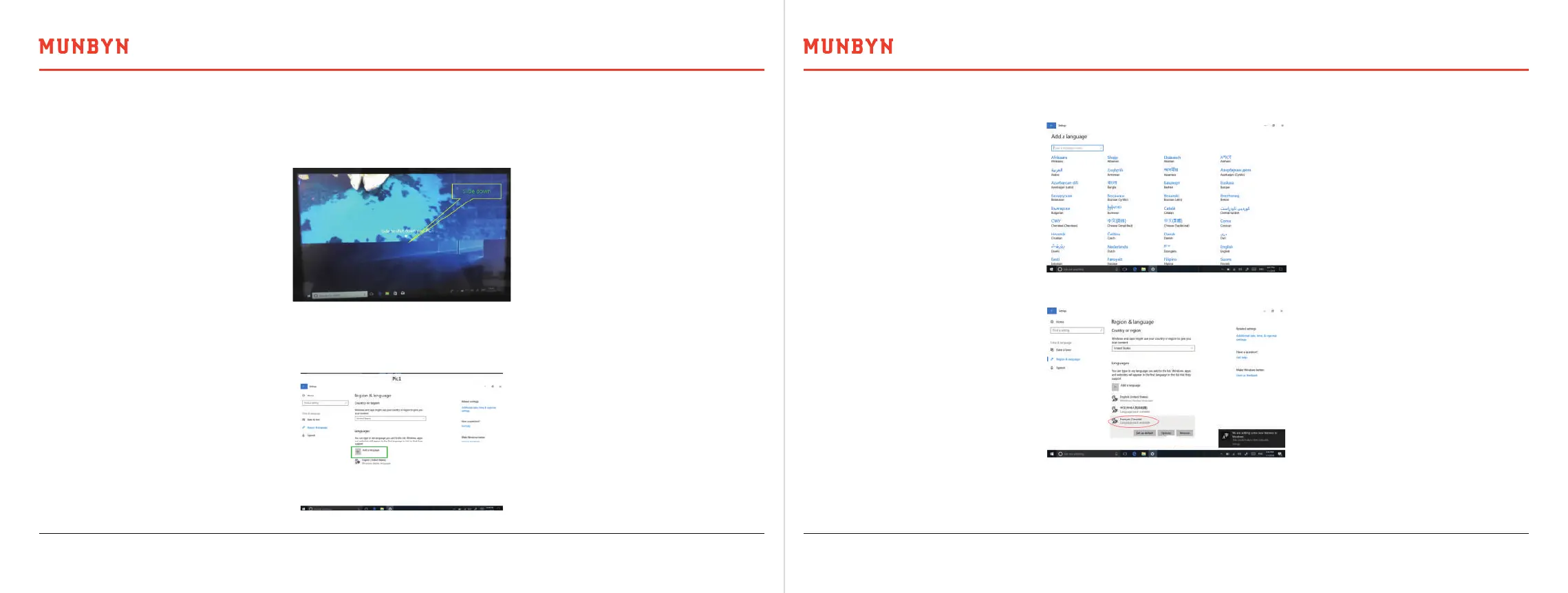
1) In the below picture, select the language you want to install.
2) Choose options----download.
3) After download, select set as default, restart device language conversion completed. Chinese and English language
systems generally do not need to download.
Press and hold the power key about 5S, which appears to slide to shut down your PC. The position of the triangle symbol
slides down and the device shuts down automatically.
5.2. The Operation of Power Key to Shut Down
Connect to the network and open: All setting time & language region & language and a language choose the language
you need.
5.3. Language Installation



 To Next Page