Page11of14
ITPP047 Easy Setup Guide
Version 1.00
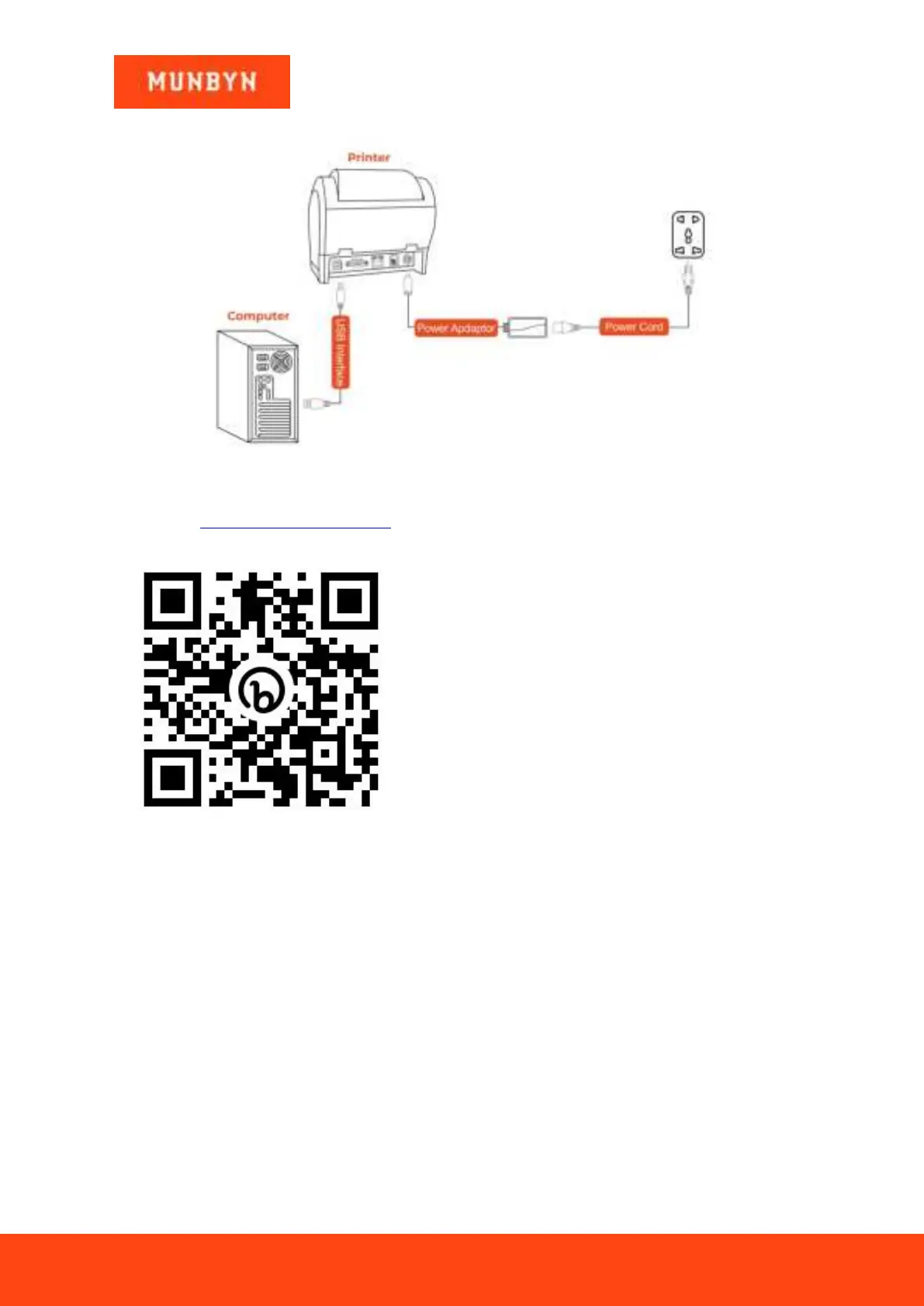
Figure 1- 6 USB Connection
Demo video:
https://munbyn.biz/047Linux
4.4 Set Up The ITPP047 for First Use on Chromebook
1) Connect the printer to the power outlet via the power cord.
2) Connect the printer to your Windows computer via USB.
3) Place the thermal paper into the printer and power it on.



 To Next Page