Page6of14
ITPP047 Easy Setup Guide
Version 1.00
4.0. Initial Setup
4.1 Set Up The ITPP047 for First Use on Windows
4.1.1 Download Windows Driver
You can get the driver from the included USB flash drive at this path: Driver CD → Driver → Windows
Driver. Or click the link below to download the driver.
Driver download:
https://munbyn.biz/047Wind
Setting tool doenload: https://munbyn.biz/tool51
4.1.2 USB Interface
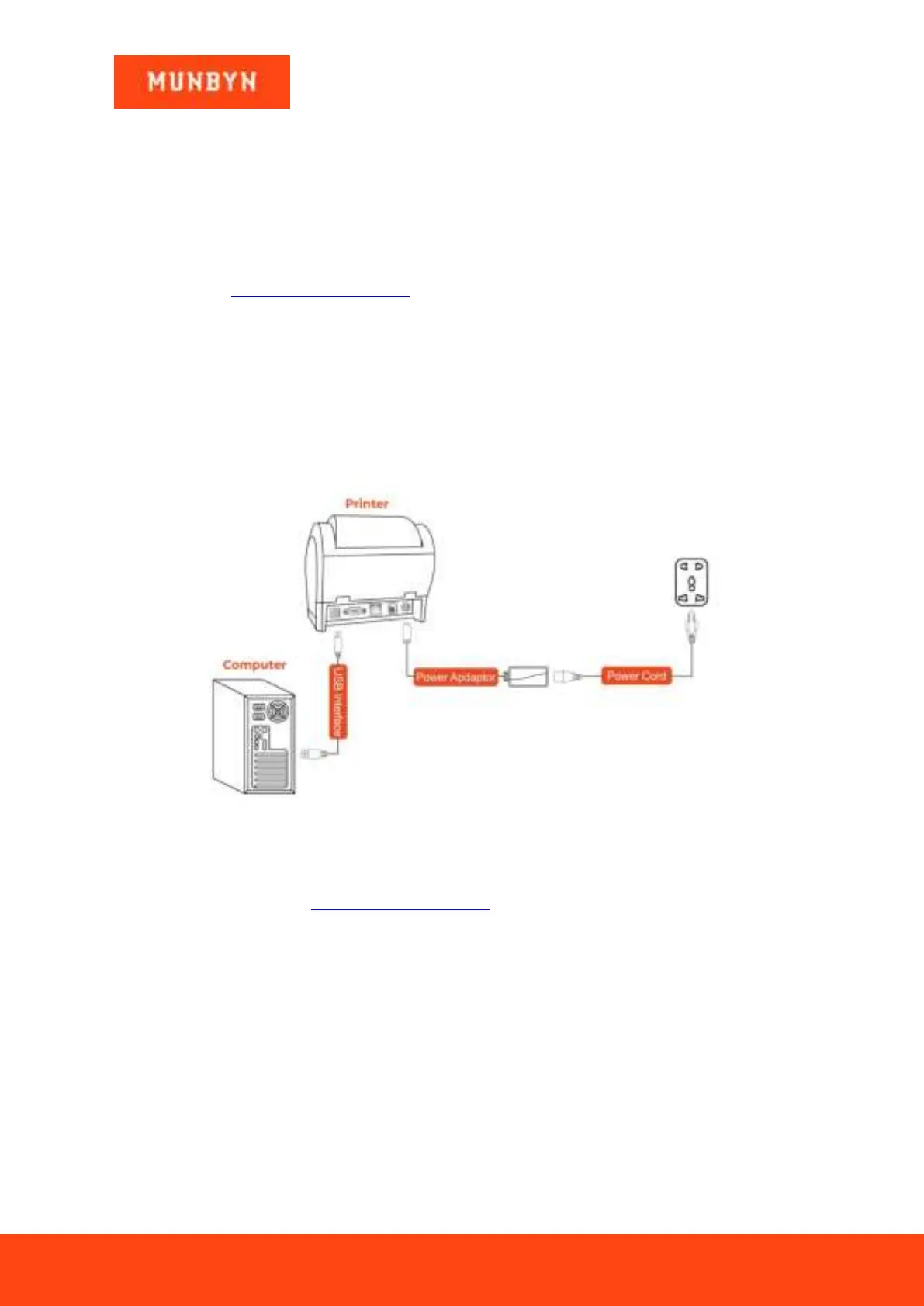
1) Connect the printer to the power outlet via the power cord.
2) Connect the printer to your Windows computer via USB.
3) Place the thermal paper into the printer and power it on.
Figure 1- 1 USB Connection
Open the downloaded driver and install it.
Driver installation demo video: https://munbyn.biz/3HqbHsJ
4.1.3 LAN Interface
1) Connect the computer to the router with a network cable. Please see the picture below.



 To Next Page