!Caution
Solder Amount
in section
4-3. Correction of Soldered Portion
When sudden heat is applied to the capacitor, distortion
caused by the large temperature dierence occurs
internally, and can be the cause of cracks. Capacitors also
tend to be aected by mechanical and thermal stress
depending on the board preheating temperature or the
soldering fillet shape, and can be the cause of cracks. Please
refer to "1. PCB Design" or "3. Optimum solder amount" for
the solder amount and the fillet shapes.
Do not correct with a soldering iron for ZRB series.
Correction with a soldering iron for ZRB series may cause
loss suppress acoustic noise, because the solder amount
become excessive.
1. Correction with a Soldering Iron
1-1. In order to reduce damage to the capacitor, be sure
to preheat the capacitor and the mounting board.
Preheat to the temperature range shown in Table 3.
A hot plate, hot air type preheater, etc. can be used
for preheating.
1-2. Aer soldering, do not allow the component/PCB to
cool down rapidly.
1-3. Perform the corrections with a soldering iron as
quickly as possible. If the soldering iron is applied too
long, there is a possibility of causing solder leaching
on the terminal electrodes, which will cause
deterioration of the adhesive strength and other
problems.
2. Correction with Spot Heater
Compared to local heating with a soldering iron, hot air
heating by a spot heater heats the overall component and
board, therefore, it tends to lessen the thermal shock. In
the case of a high density mounted board, a spot heater
can also prevent concerns of the soldering iron making
direct contact with the component.
2-1. If the distance from the hot air outlet of the spot
heater to the component is too close, cracks may
occur due to thermal shock. To prevent this problem,
follow the conditions shown in Table 4.
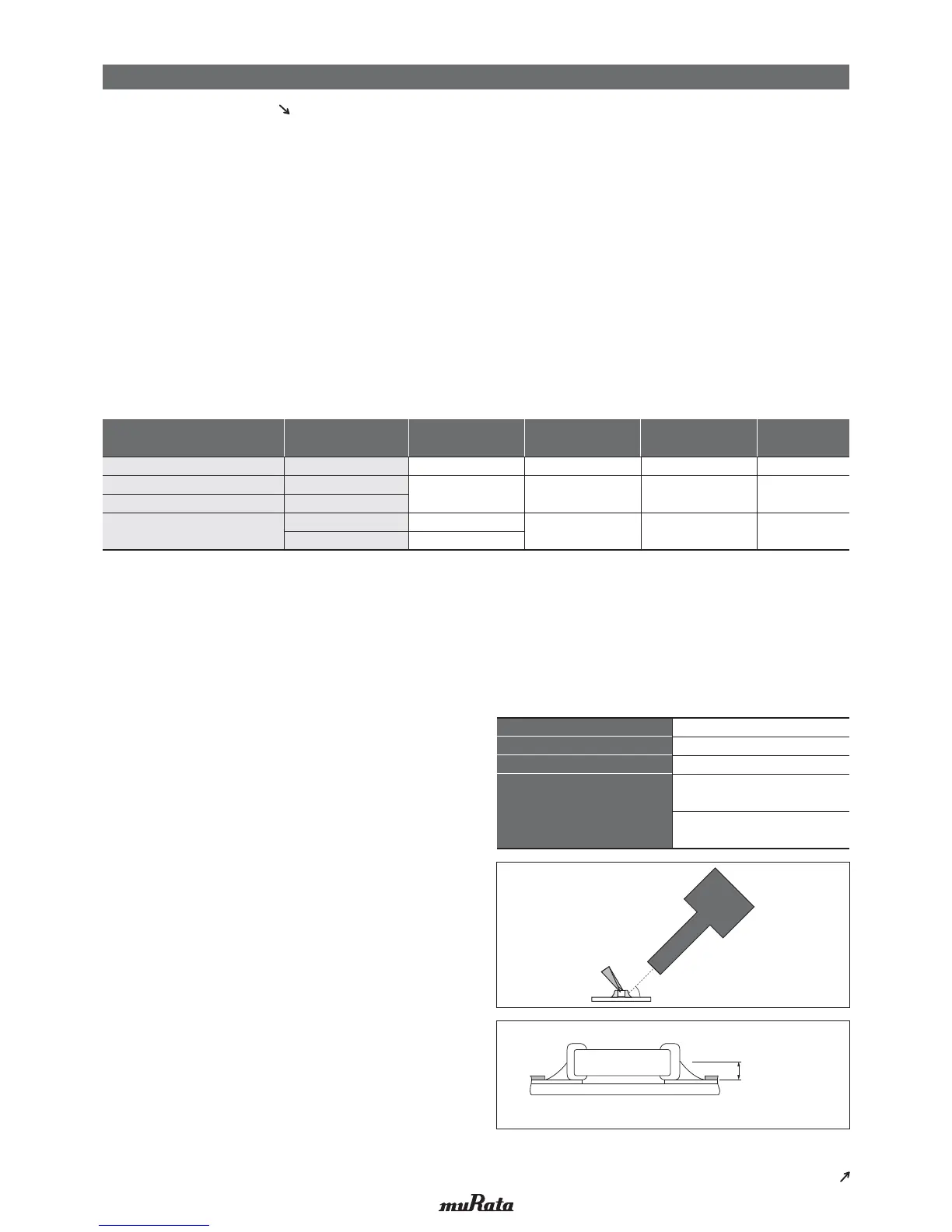
2-2. In order to create an appropriate solder fillet shape, it is
recommended that hot air be applied at the angle shown
in Figure 1.
3. Optimum solder amount when re-working with a soldering iron
3-1. If the solder amount is excessive, the risk of cracking is
higher during board bending or any other stressful
condition.
Too little solder amount results in a lack of adhesive
strength on the termination, which may result in chips
breaking loose from the PCB.
Please confirm that solder has been applied smoothly and
rising to the end surface of the chip.
Table 3
GJM/GQM/GR3/GRJ/GRM/GR7
ΔT
<
=
190°C
ΔT
<
=
130°C
350°C max.
280°C max.
150°C min.
150°C min.
Air
Air
*Applicable for both Pb-Sn and Lead Free Solder.
Pb-Sn Solder: Sn-37Pb
Lead Free Solder: Sn-3.0Ag-0.5Cu
*Please manage ΔT in the temperature of soldering iron and the preheating temperature.
GRJ/GRM/GR4/GA2/GA3
GQM
03/15/18/21/31
NFM
ΔT
<
=
190°C
350°C max.
340°C max.
150°C min. Air
3D/41
15
32/42/43/52/55
22
Table 4
Hot Air Application Angle
45° *Figure 1
Distance
5mm or more
Hot Air Temperature Nozzle Outlet
400°C max.
Application Time
Less than 10 seconds
(1206 (3216M) size or smaller)
Less than 30 seconds
(1210 (3225M) size or larger)
an Angle of 45°
One-hole Nozzle
[*Figure 1]
Series
Chip Dimension Code
(L/W)
Temperature
Dierential (ΔT)
Atmosphere
Temperature of
Soldering Iron Tip
Preheating
Temperature
Continued from the preceding page.
Continued on the following page.
!
Note
• Please read rating and
!
CAUTION (for storage, operating, rating, soldering, mounting and handling) in this catalog to prevent smoking and/or burning, etc.
• This catalog has only typical specifications. Therefore, please approve our product specifications or transact the approval sheet for product specifications before ordering.



 To Next Page
 Loading...