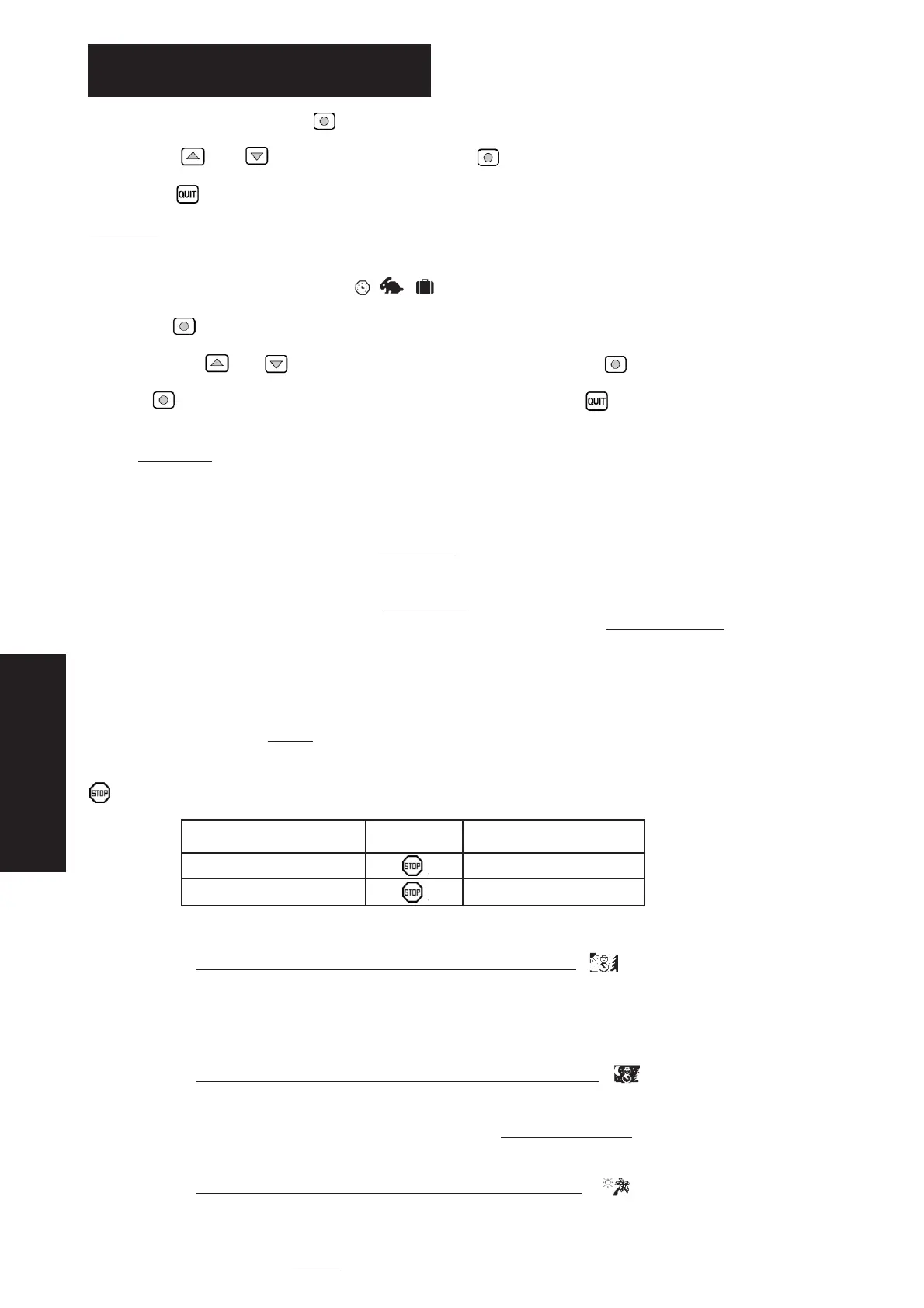
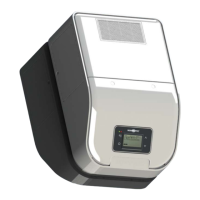
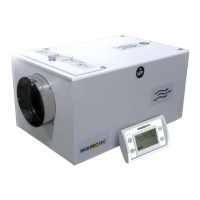
42
For the settings menus, press the key .
Use the arrow and to change the menu and the key to enter.
Press the key to return to the main screen.
Comment
: When a menu is inactive for 30 seconds or so, the system automatically returns to the previous screen and so
on until the main screen is displayed.
4.1. Mode selection menu
Press the key to enter the menu.
Choose the arrows and to select the operating mode required and press on to display an explanatory text.
Press key to confirm your selection. The main screen then reappears. Press on at any time to go back, thereby
cancelling the operation.
4.1.1. Automatic
:
The system automatically adjusts the flow and the temperature required according to the time (day or night) and the season
(winter or summer ) so the system can use the hot or cold air in the best way, while minimising electricity consumption.
The sunset and sunrise times are displayed in the Details menu
(see § 5.1). Call up the Region selection menu to find out how
long the summer and winter seasons last in your region, (see § 4.8).
The flow is called general airflow and is set in the Air
flow setting menu (see § 4.2). The temperature required is the winter
temperature winter T° or summer temperature Summer T° according to the season (see T
emperature settings in § 4.3).
In summer mode, if the temperature exceeds a certain threshold for a period of 6 hours, the system switches to heat wave
mode. Conversely, if the temperature no longer exceeds this threshold for a period of 6 hours, the system switches back to nor-
mal mode the following day. The heat wave mode provides greater comfort as a result of cutting off the unit more quickly
during the daytime and forcing the ventilation in the evening so as bring in some freshness from outside.
This threshold depends on the max air
T° setting.
The appliance may also stop if the temperature is too low or too high :
Temperature Flow Display
Under -1°C Air T° too low
Higher than max air T° * Air T° too high
* Max air T° is 30°C by default and is adjustable (see § 4.3)
4.1.1.1. The system is in WINTER mode, during the DA
YTIME
The temperature required is the winter temperature Winter T°.
The system takes advantage of the hottest time of the day to increase the airflow. This is the time of day when
the appliance's resistors heat less than at other times.
4.1.1.2. The system is in WINTER mode, during the NIGHT TIME
The temperature required is the winter temperature Winter T. Between 11 pm and 5 am, it is reduced by 2°C to cut
down on the electricity consumption. The screen then displays T
emperature reduction.
The flow decreases to prevent the house from cooling down.
4.1.1.3. The system is in SUMMER mode, during the DAYTIME
The temperature required is the summer temperature Summer T°.
The higher the air temperature, the lower the flow to avoid blowing hot air, and it even stops if the air exceeds
the maximum temperature Max air
T°.
4. SETTINGS MENUS
ENGLISH


 To Next Page