46
4.9. System setting menu
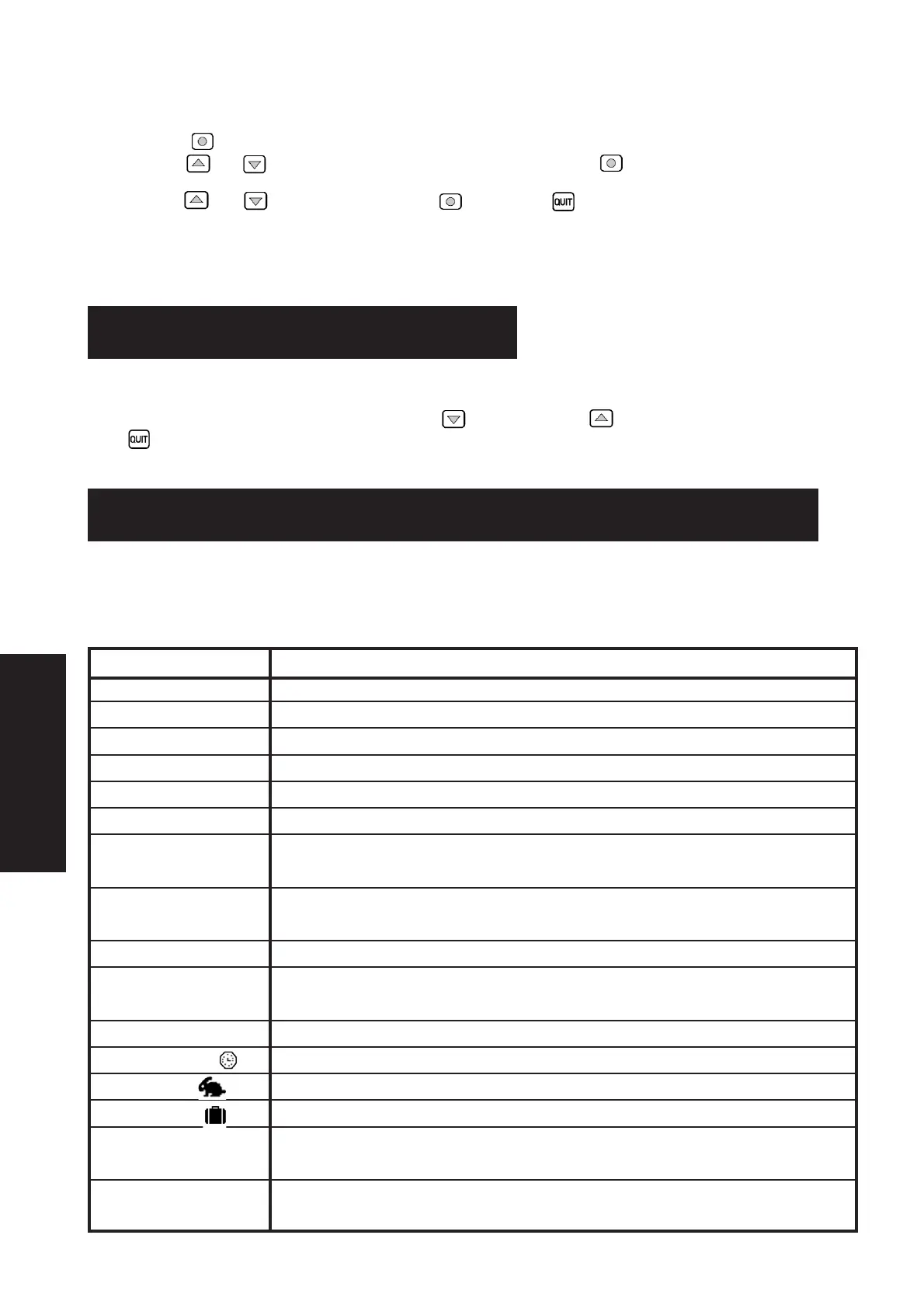
This menu is for adjusting the screen's contrast and brightness.
Press on the key to enter the menu.
Use the arrows and to select the screen's contrast, or brightness and press to confirm.
Use the arrows and to vary the value and press to confirm or to quit.
Adjustment range :
- Contrast from 20 to 50
- Brightness from 0 to 10
These menus are used solely to notify the services about the operation of your appliance.
These menus are accessed by pressing on the lower arrow or the upper arrow when the main screen is displayed.
Press to quit.
Text Explanation
Increased flow The flow increases to reach maximum flow when the heating is on low
Reduced flow The flow decreases to keep energy consumption to a bare minimum
Normal flow The flow is the general airflow because the air temperature is acceptable
Minimum flow The flow is at a minimum when the temperature is very high or very low
Reduced temperature The temperature required is reduced by 2°C during the night time and in winter
Heat wave : minimum When it is very hot, the flow is at a minimum so as not to blow air that is too hot
Heat wave : normal It is hot and the flow continues to be the general airflow because the air temperature is
acceptable
Heat wave : resumption It is very hot and the appliance restarts in the early evening so as to bring in the cooler air
from outside
Heat wave : ventilation It is hot and the appliance's flow increases to ventilate the house at night
Air T° too high or The temperature is too high inside the appliance
Heat wave : off
Air T° too low The temperature is negative inside the appliance.
Temporary mode Flow maintained for a period of time, to be defined in the flow menu (see § 4.1.2)
Rapid mode Maximum Flow for 1 hour (see § 4.1.3)
Absent mode Temperature adjusted when you are away from the house (see § 4.1.4)
New filter? Question asked when the cover is opened. Answer YES only when you have put in a new filter
and clean the installation (see § 7.3)
Daytime /night time This text is displayed when a constant day and night flow is selected (see § 4.2.2 and 4.2.3)
manual mode
6.1. Information texts
This offers an overview of how the appliance operates. See § 4.1.1 for further details about the automatic mode.
5. INFORMATION MENUS
6. INFORMATION TEXTS AND ERROR MESSAGES
ENGLISH


 To Next Page