6 Inserting the plotter pen into the pen station
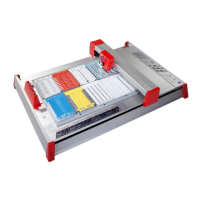
Before using the mp-PM A3 insert the plotter pen with the desired tip
into the pen station. To insert plotter pens into the pen station, press
the 'Pen station open / close' key. When the pen station has been
opened, insert the plotter pens into the corresponding storage holders
and then re-close the pen station by pressing the 'Pen station open /
close' key again.
Opening and closing the pen station is only possible when the plotter
is in stop mode. After about 2 minutes or after switching off the
plotter, the pen station will automatically be closed.
Important
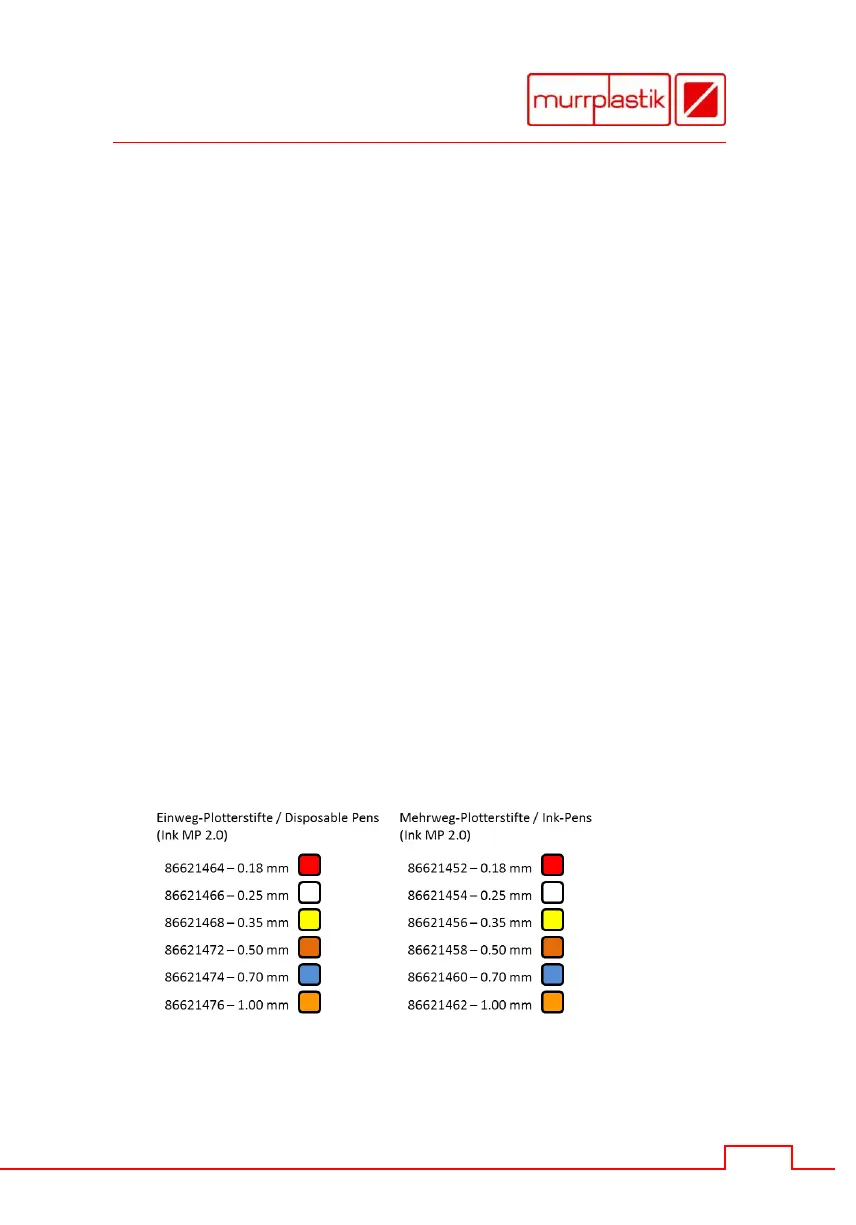
Only original Murrplastik plotter pens of the types shown with HP-
adaption may be used. Using other plotter pens and writing
instruments may damage the device.
Please note
Do not leave the pen station open for extended periods. There is a risk
the plotter pens will dry out fast. During the working day you can leave
the plotter pens in the pen station whereas the optimized seal largely
will prevent the plotter pens from drying out.
Murrplastik plotter pens


 To Next Page