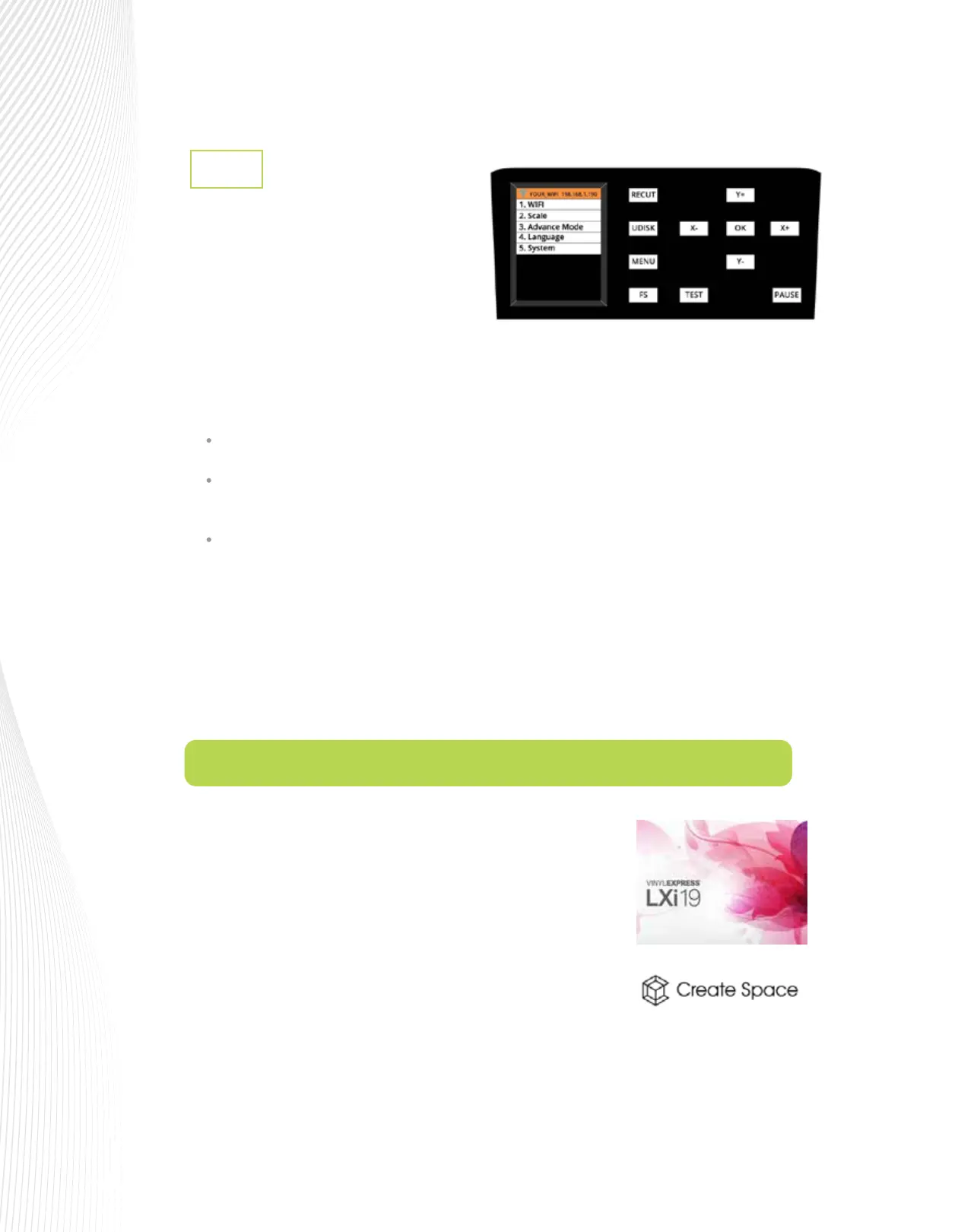
Menu
1.7.1
Pressing the MENU button provides access to
the following five options:
TO START: return the blade holder to the origin (the location immediately before the cut was started)
TO END: advance the blade holder to the top of the completed cut with the option to move an
additional distance
To LEFT: advance the blade holder to the left of the completed cut with the option to move an
additional distance
LANGUAGE: This screen offers a choice of three languages: Mandarin, English, and Spanish. You can
choose one of these for the language in which all settings and menu communication are displayed.
SYSTEM: This screen displays hardware and firmware versions, Baud rate, and other settings that should
need no adjustment unless directed by a SignWarehouse technical representative.
WIFI: Connect the ARTisan to your home or
office router for wireless connectivity
(refer to Sections 1.9.4 and 1.9.5).
SCALE: This setting is used to input the sizing calibration (refer to Section 2.6).
ADVANCE MODE: Three options for where the blade holder moves at the end of a cut:
Depending on which software you purchased with your ARTisan vinyl
cutter, there are two ways to set it up:
1.
2.
You’ll find complete step-by-step instructions on our Product Support
Blog for LXi 12. Please click here to access the setup tutorial or go to
https://techsupport.signwarehouse.com/
To install Create Space, download the software from the following
link (note there are separate links for Mac and Windows users). You
will also find a video to assist you with installation and activation of
your registration number:
https://techsupport.signwarehouse.com/create-space-software-support-resources/
1.8 Registering and Installing the Design Software



 To Next Page