Special Applications
4.0 What’s So Special about the M60?
Besides having the ability to cut up to 60” wide, the M60 oers the following additional capabilities:
4
4.1 M60 Dual Head Calibration
In Section 3.01, the camera calibration was presented showing how to make sure the blade holder is calibrated
with the camera. A similar calibration is also needed to make sure the right and left blade holder seats are
perfectly aligned with one another.
1.
2.
3.
Score and cut projects
Foil and cut projects
Cutting at dierent depths (such as kiss cutting with one blade
holder and full cutting with the other)
A maximum of 2000g of cutting force which enables some denser materials to cut more easily (such as
magnetic sheets, stencil and PET-G craft plastics, basswood, wood veneer, chipboard, matte board,
denim, wool and felt. Note that with any of these types of materials, more than one pass is typically
needed.
A second cutting head which can be used for applications like:
These additional applications are the reason the M60 also ships with an embossing/scoring tool and a
second blade holder.
The M60 model further ships with a 30
° blade which is well suited for cutting window tint (refer to
Section 4.2).
1.
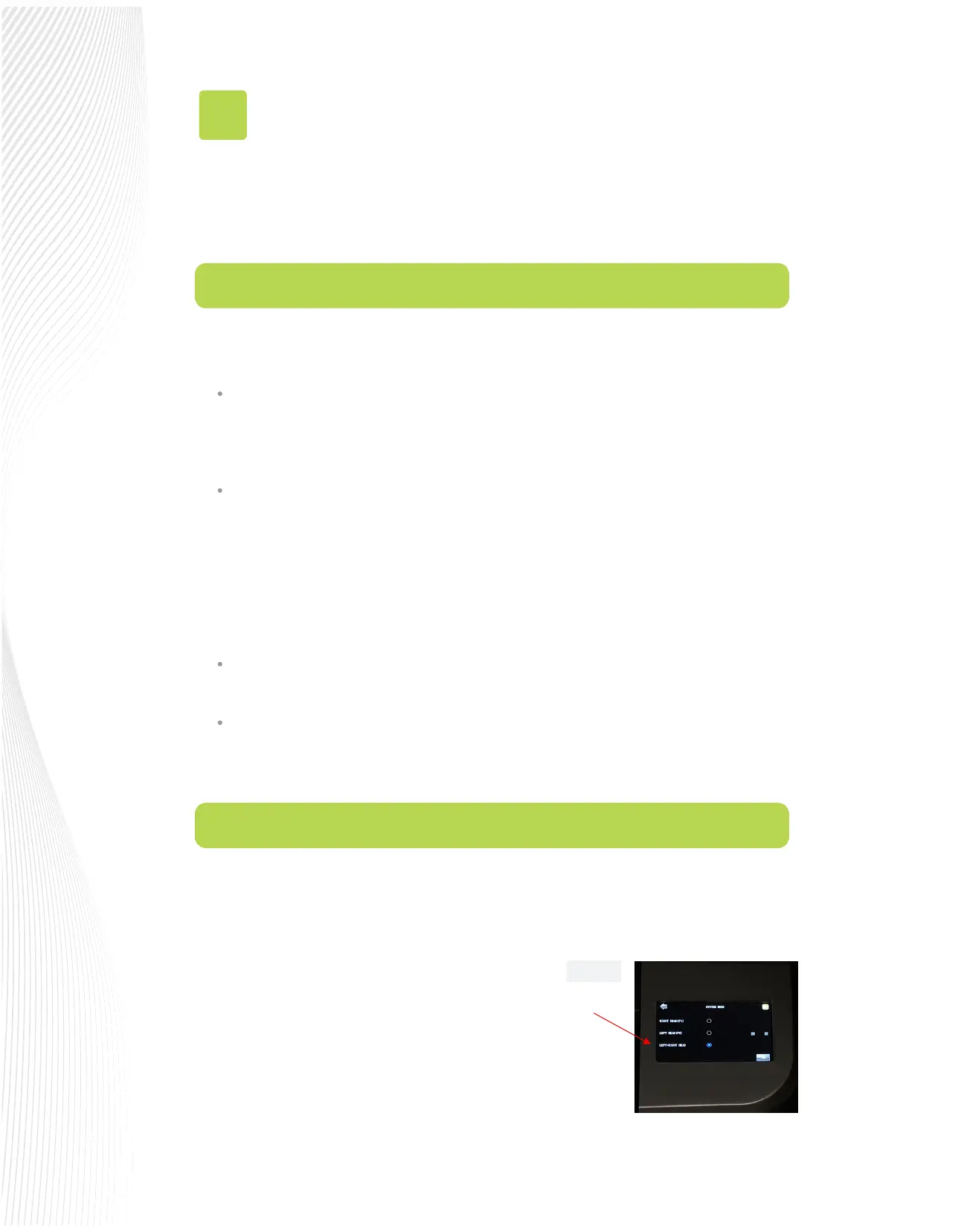
On the control panel’s Main Screen, make sure the
Use Double Head option is selected. If you do not
see any of these options, click on SET>ADVANCED
SETTINGS>SYSTEM MODE and select Use Double
Head. Then, back on the Main Screen, the options
should now be available:
Fig. 4.1.1
Select LEFT+RIGHT HEAD


 To Next Page
 Loading...
